


The Simple Trick to Improve Your Church Livestream Consistency Right Now
- Tim Adams

- Apr 3
- 5 min read
By Tim Adams
We’ve all been there. It’s Sunday afternoon, you’re finally sitting down with a coffee, and you decide to pull up the recording of the morning service. You spent hours during the week tweaking the sound in the sanctuary until it felt powerful and immersive. But then you hit play on the livestream.
The worship leader’s vocal sounds like it’s coming through a tin can. The drums are barely audible except for a piercing snare, and when the Pastor starts to speak, you have to crank your volume to 100 just to hear the message. Worst of all, it sounds completely different than it did last week.
If you’re struggling with "the rollercoaster of quality," you aren't alone. In fact, most faith communities struggle with livestream consistency. But there is one simple, actionable trick that can change the game for your production team overnight.
The secret isn’t buying a $10,000 camera or a new shiny mixer. It’s the implementation of a Dedicated Broadcast Mix.
Why Your Sanctuary Mix is Ruining Your Livestream
To understand why your stream sounds inconsistent, we have to talk about the physics of your room. When you are sitting in your sanctuary, you are hearing a combination of the "direct" sound from your speakers and the "acoustic" sound from the stage.
If your drummer is hitting the cymbals hard, your sound engineer probably pulls the drum overheads down in the house mix because the room is already loud enough. If your Pastor has a booming voice, the engineer might cut the low frequencies to keep the room from vibrating.
The problem? Your livestream audience doesn't live in your sanctuary. They don't hear the acoustic drums or the natural resonance of the room. When you send the "House Mix" directly to the internet, you are sending a mix that is missing all the elements that were already loud in the room. This leads to a thin, unbalanced, and amateur-sounding stream.
If you want to stop making these common errors, check out our guide on 7 mistakes you’re making with church AV systems and how to fix them before 2026.
The Simple Trick: The Dedicated Broadcast Mix
The most impactful move you can make right now is to decouple your livestream audio from your house audio. This is done by creating a separate "Bus" or "Auxiliary" output on your digital console specifically for the broadcast.
1. Independent Gain and EQ
When you have a dedicated broadcast mix, your engineer can EQ the livestream vocals differently than the house vocals. For the livestream, you generally want to:
Apply a High-Pass Filter: Cut everything below 40-60 Hz to remove "mud" and low-end rumble that laptop speakers can’t handle anyway.
Dip the "Boxy" Frequencies: Reduce the 200-400 Hz range slightly to clear up the muddiness.
Add Presence: Give a small 2-3 dB boost around 8-10 kHz. This adds that "pro" shimmer to the vocals and makes them stand out on mobile devices.
2. Use a "Reference" Environment
One of the biggest reasons for inconsistency is that the person mixing the sound is standing in a loud room. You cannot accurately mix a livestream while a line-array system is hitting you in the face at 95 decibels.
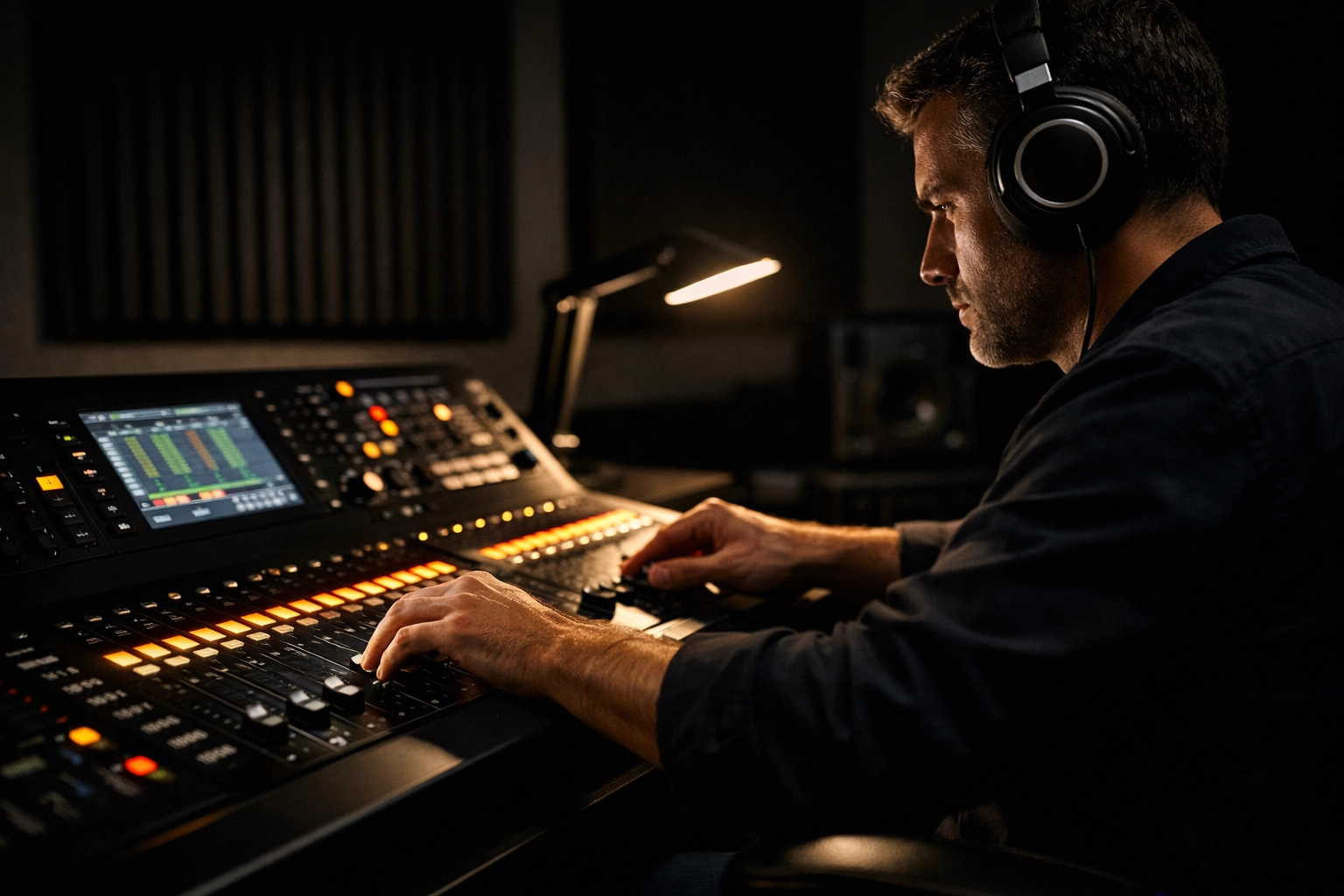
The "trick" here is to move your livestream monitoring to a quiet space. Use a pair of high-quality isolation headphones or, better yet, set up a small station in a separate room with studio monitors. If the person mixing the stream can actually hear what the internet hears, the quality will stabilize instantly.
Establishing the "Pre-Flight" Checklist
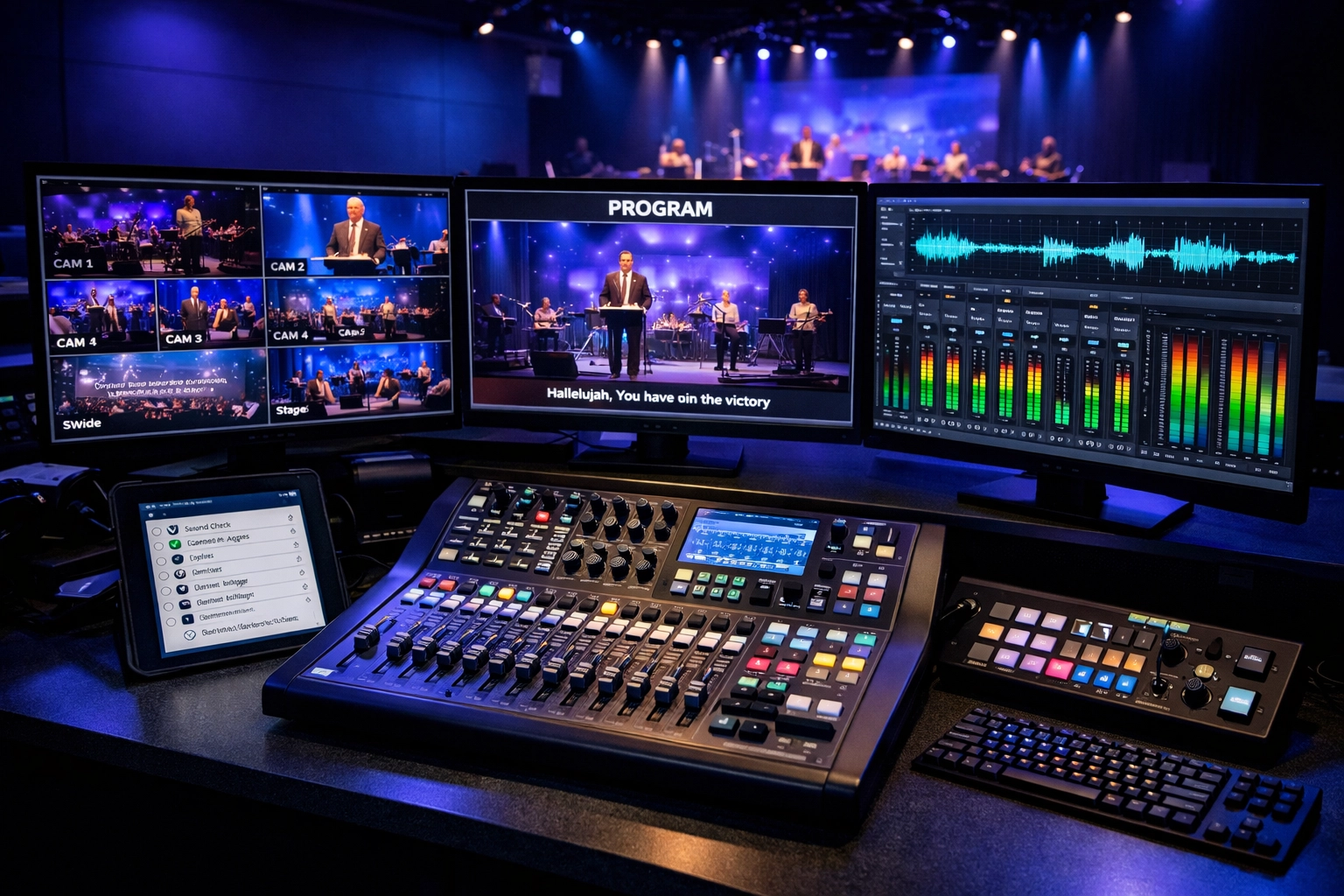
Consistency isn't just about hardware; it's about habits. Even with a dedicated mix, if your volunteers are winging it every Sunday, the results will vary. You need a "Pre-Flight" checklist that every volunteer follows, regardless of their experience level.
At Timato Systems, we often see churches struggle with volunteer turnover. A checklist ensures that the "Timato Way" of doing things remains the standard, even when new faces join the team. If you're looking for ways to get your team up to speed quickly, our step-by-step guide to setting up a flexible AV system for faith communities is a great resource.
Your Livestream Consistency Checklist:
Format the SD Cards: Ensure all cameras have fresh storage space.
Check Battery Levels: If you use wireless components, never trust a "half-full" battery.
Recall the Preset: Start from a "Base Mix" template on your console every week. This prevents the "I tweaked everything last week and now it's broken" syndrome.
White Balance: Ensure all cameras are set to the same color temperature (usually 3200K or 5600K depending on your lighting).
Audio Level Check: Ensure your output meter is hitting between -6dB and -3dB. Never let it clip into the red.
Hardware Adjustments for a High-Quality Look
While audio is the most important part of a stream (people will watch a blurry video with great sound, but they won't watch a 4K video with terrible sound), the visual consistency matters too.
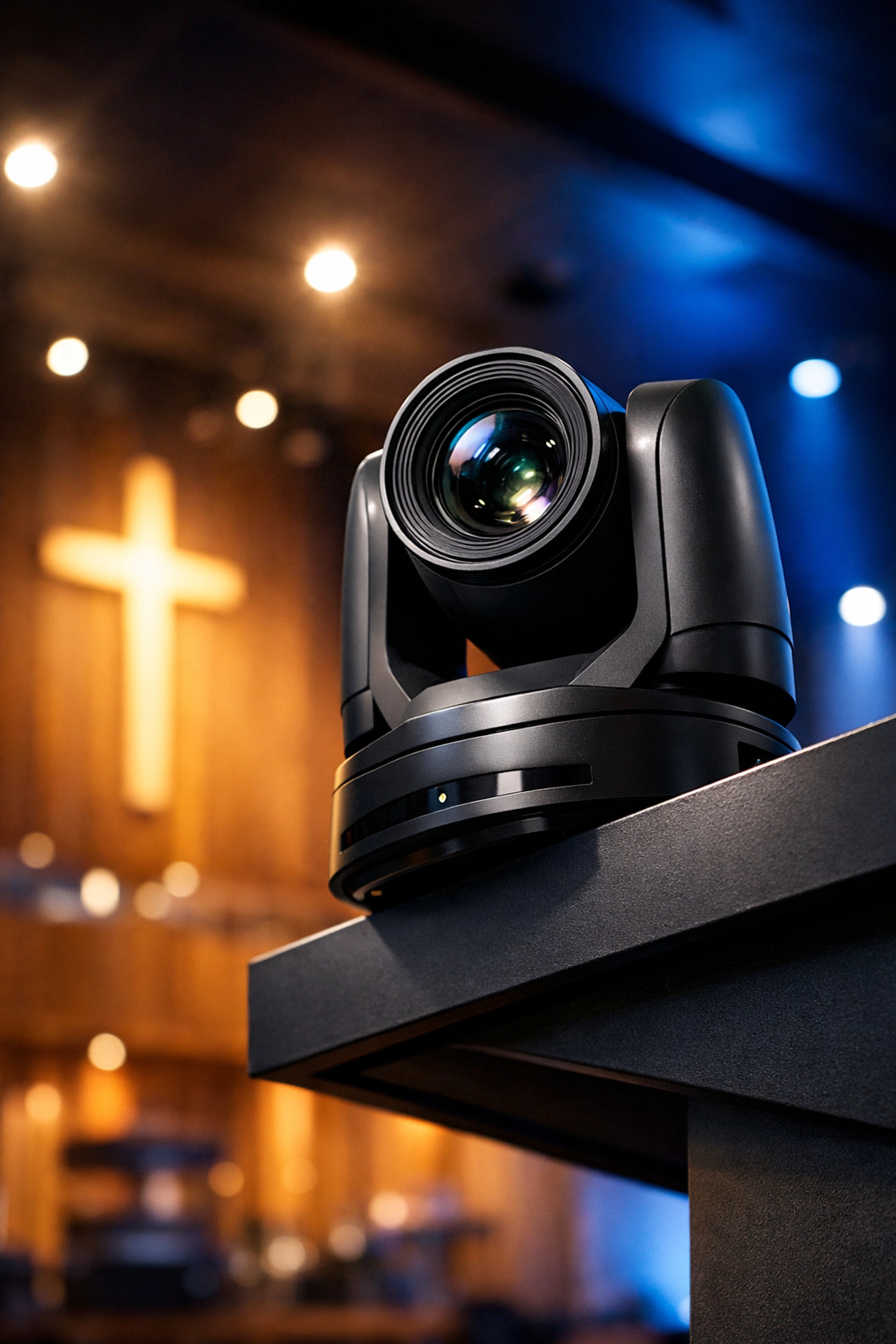
One of the easiest hardware adjustments you can make involves your PTZ (Pan-Tilt-Zoom) cameras. Often, volunteers get "trigger happy" with the joysticks, leading to shaky or poorly framed shots. To fix this, spend a Saturday afternoon setting up 10-15 "Perfect Presets."
Label them clearly: "Wide Stage," "Pastor Close-up," "Piano Hands," "Congregation Left." On Sunday morning, your volunteers shouldn't be "driving" the cameras manually; they should be selecting presets. This ensures the framing is identical every single week. If you’re having trouble with your camera setup, see our article on 7 mistakes you’re making with PTZ cameras and how to fix them.
The Role of Lighting and LED Walls
Consistency also depends on your environment. If you are using projection, the ambient light in the room can wash out your image, making the livestream look faded. Many churches are moving toward LED technology to combat this. Our Veritas LED Walls provide a high-contrast, flicker-free background that looks incredible on camera, regardless of how much sun is coming through the sanctuary windows.
When your background is consistent, your cameras don't have to work as hard to adjust their exposure, leading to a much cleaner image for your online audience. You can learn more about the benefits of this tech in our comparison of LED video walls vs. projection.
Stewardship and Shifting Mindsets
Finally, consistency is a matter of stewardship. We aren't just "putting a show on the internet." We are creating a digital front door for our community. For many people, the livestream is the only way they can participate in the life of the church due to health, distance, or scheduling.
When we prioritize a consistent, high-quality stream, we are telling our online congregation that they matter. We are removing distractions so that the message can be heard clearly. This shift in mindset from "tech as a chore" to "tech as ministry" is vital. We’ve written extensively about this in our post on Stewardship: Shifting Mindsets.
Putting It Into Practice This Sunday
You don’t need a massive budget to improve your livestream today. Start with these three steps:
Route your audio to a separate Bus/Aux.
Move your monitoring to a quiet room with decent headphones.
Create a one-page checklist for your volunteers.
By isolating the livestream mix from the room acoustics, you'll find that the "thin" sound disappears and is replaced by a full, professional tone that stays the same week after week.
If you find that your current equipment is holding you back or your volunteers are struggling to manage complex setups, let’s talk. At Timato Systems, we specialize in building AV systems that volunteers can actually use, ensuring your mission is heard loud and clear every single time you hit "Go Live."
Consistency isn't about being perfect; it's about being reliable. Start with the broadcast mix, stick to the checklist, and watch your online engagement grow as the distractions fade away.
Tags: #ChurchTech #ChurchLeadership
Comments