


7 Mistakes You're Making with Church AV Systems (and How to Fix Them Before 2026)
- Tim Adams

- Sep 21, 2025
- 5 min read
Updated: Sep 22, 2025
Church AV systems can make or break your worship experience. Whether you're running a small community church or a large congregation, technical hiccups during service aren't just embarrassing: they can disrupt the spiritual atmosphere you've worked so hard to create.
As we head into 2026, churches face increasing pressure to deliver professional-quality experiences both in-person and online. The good news? Most AV problems stem from seven common mistakes that are totally fixable with the right approach.
Let's dive into these pitfalls and get your church tech running smoothly.
Mistake #1: Skipping the Real Sound Check
Here's the thing: turning on the microphones five minutes before service and saying "testing, testing" isn't a sound check. It's barely a sound hello.
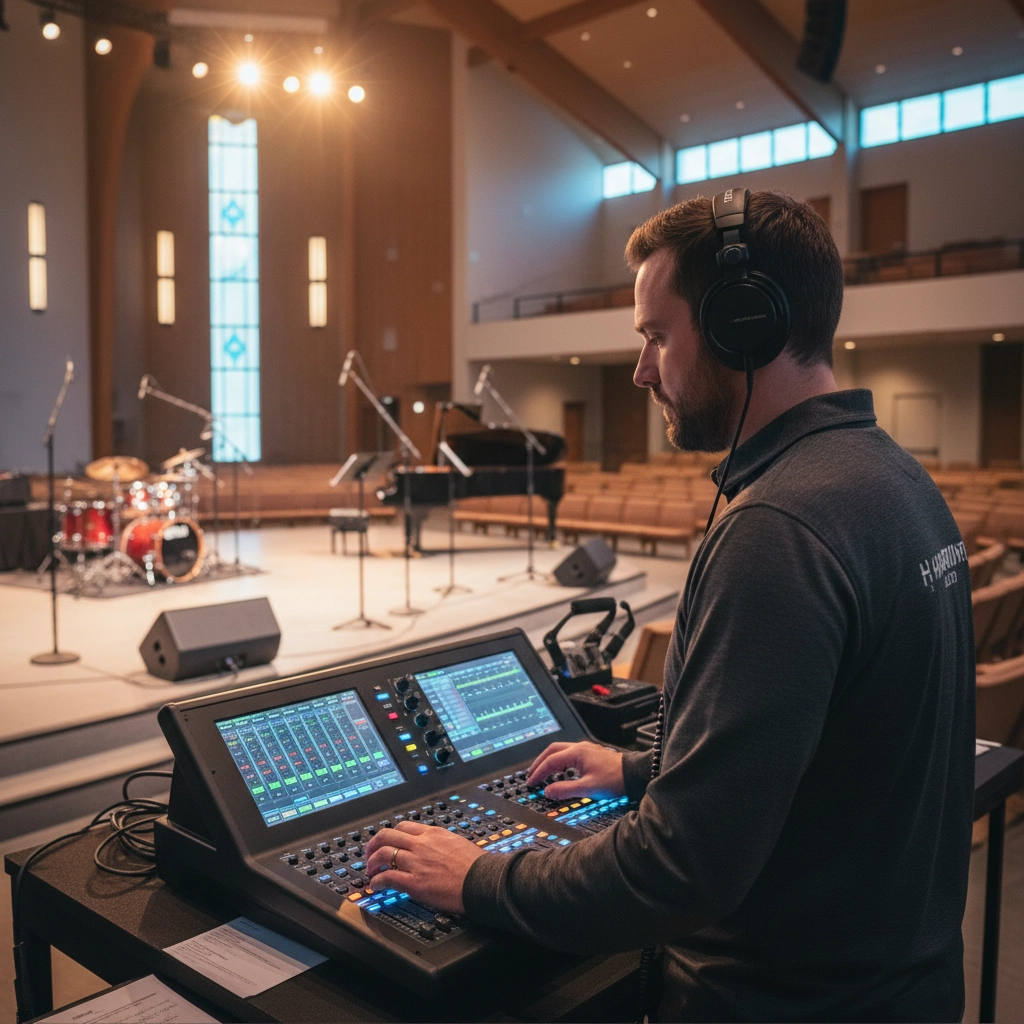
Real sound checks involve testing every input, adjusting levels while someone listens from different parts of the sanctuary, and running through actual spoken and musical content. When you skip this step, you're setting yourself up for feedback, levels that are too quiet in the back row, or audio that's so loud it drives people out the door.
The Fix: Block out 30 minutes before every service for a proper sound check. Have someone walk around the sanctuary with each microphone while your audio operator adjusts levels. Test background music, spoken word, and any video content you'll be playing. Most importantly, don't just set levels and walk away: audio mixing requires constant attention throughout the service.
Mistake #2: Leaving Volunteers in the Technical Dark
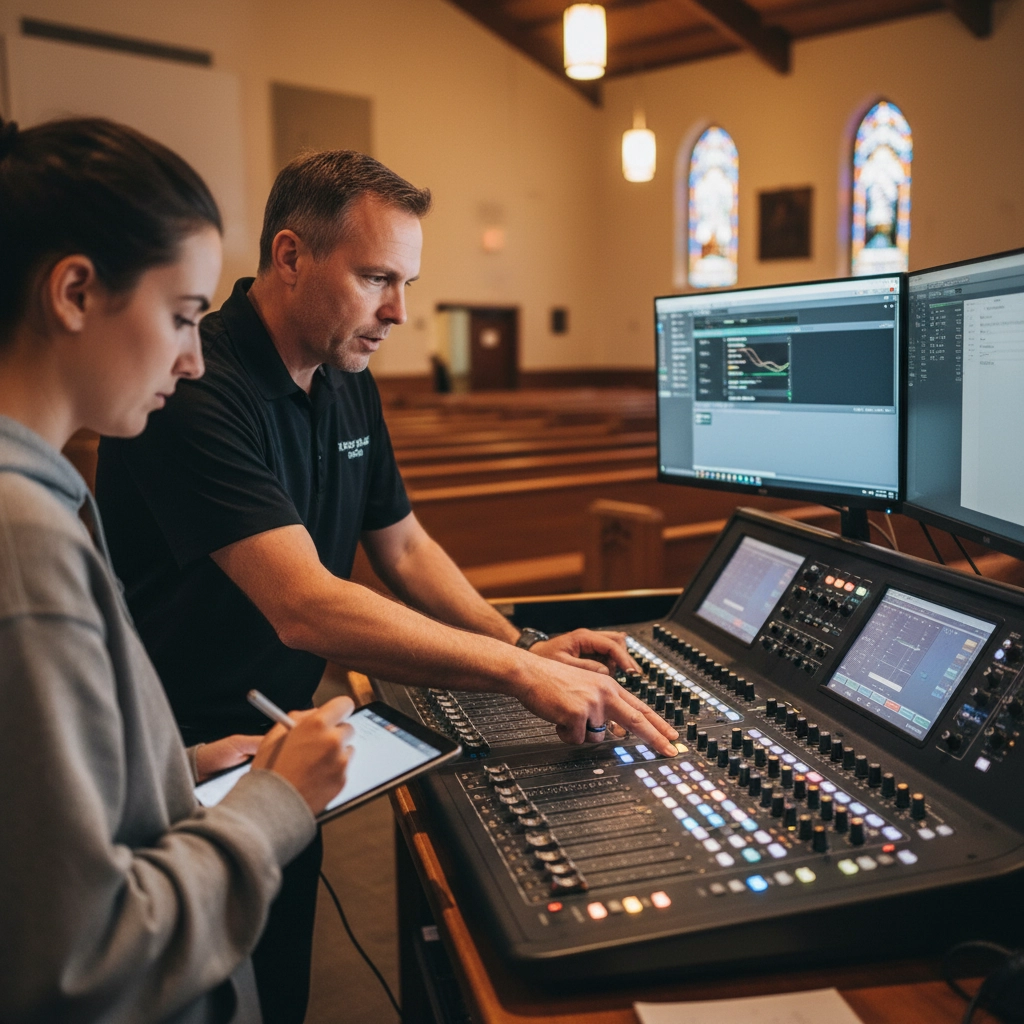
Your heart-of-gold volunteer shouldn't have to figure out your mixing board through trial and error during the opening song. Yet many churches throw well-meaning volunteers into complex AV situations without proper training, then wonder why things go sideways during the most important moments.
Untrained operators lead to muddy sound, missed cues, and that dreaded moment when someone frantically waves from the sound booth because they can't figure out why the pastor's microphone just went silent.
The Fix: Create a simple training program for your AV volunteers. Document your standard procedures: what gets turned on when, where the backup microphones live, and how to handle common problems. Make sure at least one person on your team understands your system's signal flow and can troubleshoot on the fly. Keep laminated quick-reference guides at each station.
Mistake #3: Ignoring What Your Room Is Actually Doing to Your Sound
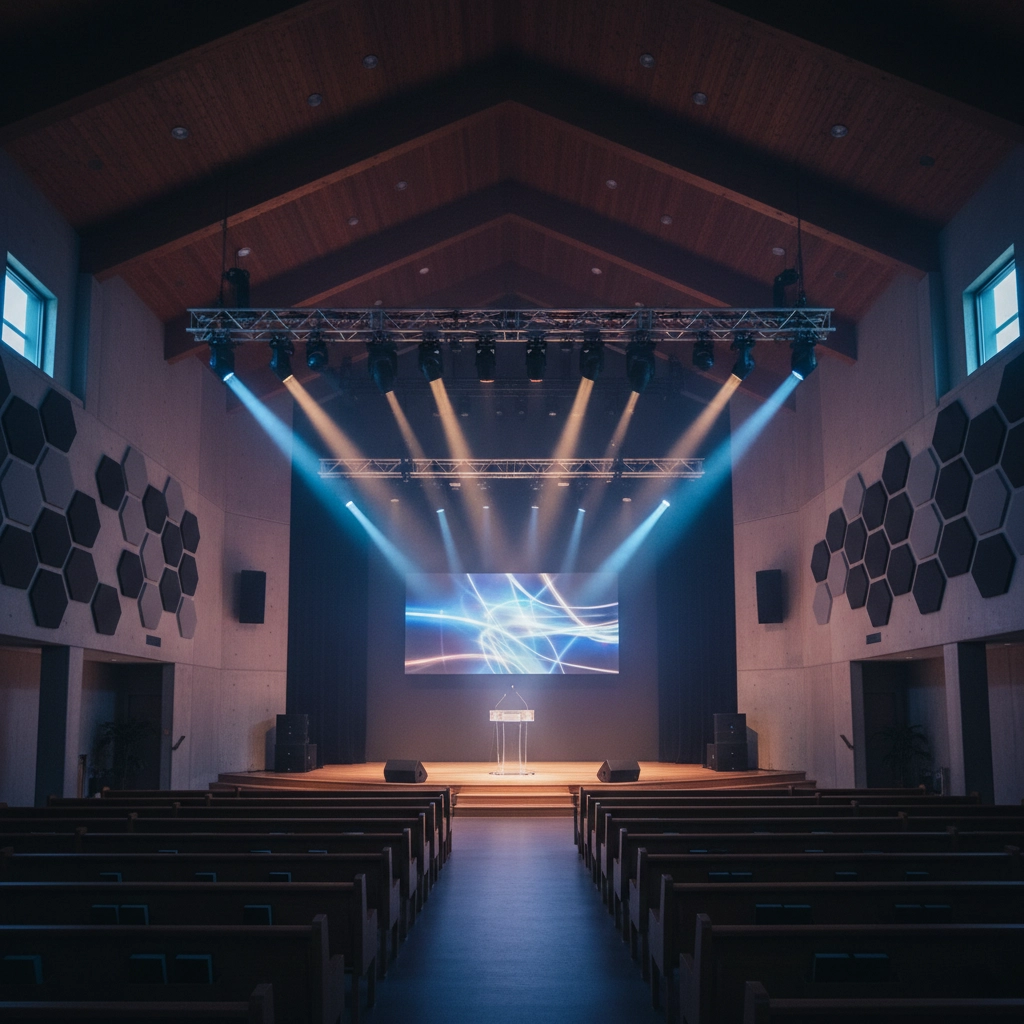
Your sanctuary isn't just a space: it's an acoustic instrument that either helps or hurts your audio. Hard surfaces create echo and reverb that can turn clear speech into muddy noise. Poor monitor placement causes "monitor wash," where stage monitors bounce off walls and interfere with your main sound.
Many churches focus so much on buying good equipment that they forget the room itself plays a huge role in how everything sounds.
The Fix: Walk your sanctuary during a sound check and listen for problem areas. Are there spots where the pastor's voice echoes? Places where instruments sound unclear? Address obvious acoustic issues with simple solutions like carpeting, curtains, or acoustic panels. Position stage monitors carefully to minimize sound bouncing off back walls, and keep monitor levels as low as possible while still giving your team what they need.
Mistake #4: Lighting That Looks Great Until Someone Hits Record
Your sanctuary lighting might look perfect during Sunday service, but turn on a camera and suddenly your pastor looks like they're broadcasting from a cave. As hybrid worship becomes standard, lighting that only works for in-person services isn't enough anymore.
Dark shadows under eyes, harsh backlighting, and uneven illumination can make your online services look amateurish and reduce engagement from remote participants.
The Fix: Design lighting with both your in-person and online audiences in mind. Ensure speakers' faces are well-lit without harsh shadows. Test your video feed regularly on different devices: what looks good on your professional monitor might look terrible on a smartphone. Consider adding LED panel lights specifically positioned for video recording, and train your operators to adjust lighting for different service elements.
Mistake #5: The "Fix It When It Breaks" Approach
Too many churches operate their AV systems like old cars: drive them until something major fails, then panic-buy a replacement. This reactive approach leads to equipment failures during services and forces you into expensive emergency purchases when you're least prepared to make good decisions.
When your main speakers die on Saturday night, you'll end up grabbing whatever's available at the local big-box store instead of investing in equipment that actually fits your needs.
The Fix: Keep a simple inventory of your AV equipment with purchase dates and expected lifespans. Create an annual tech budget for gradual upgrades rather than waiting for crisis situations. Inspect cables and connections regularly: they're often the first things to wear out. Replace aging equipment before it fails, not after it leaves you scrambling.
Mistake #6: No Plan B (Or C, or D)
Over-confidence in your AV system is dangerous. Equipment fails, cables break, and sometimes technology just decides to have a bad day. Churches that don't prepare for these inevitable moments find themselves facing awkward silence, cancelled services, or worship experiences that feel more like technical troubleshooting sessions.
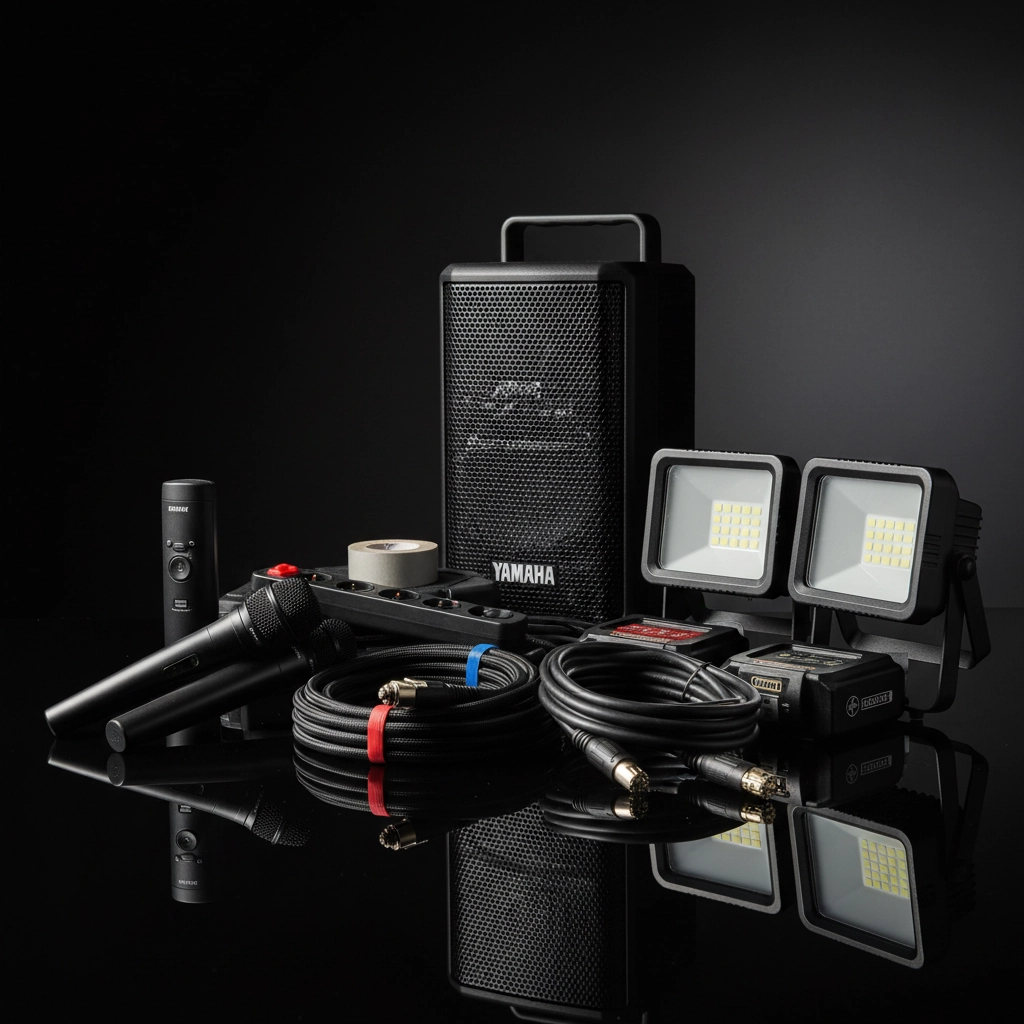
The Fix: Build backup plans for every critical system component. Keep spare microphones, cables, and adapters easily accessible. Have a simple backup PA system or even just a portable speaker and microphone as an emergency option. Train multiple people on basic troubleshooting so you're not dependent on one tech-savvy person. Most importantly, practice your backup plans before you need them.
Mistake #7: Buying Cheap Instead of Buying Smart
We get it: church budgets are tight. But choosing the cheapest equipment available often costs more in the long run through frequent replacements, poor performance, and systems that can't grow with your needs.
Equally problematic is waiting to invest in decent AV until your current system is completely unusable. By then, you're making decisions under pressure and missing opportunities to plan strategically.
The Fix: Properly evaluate your church's actual needs, including anticipated growth over the next few years. Research equipment that offers good value rather than just low price. Consider total cost of ownership, including maintenance and future upgrades. If budget is tight, invest in quality components gradually: start with the most critical elements and build up over time. A few pieces of good equipment will serve you better than a full system of cheap components.
Moving Forward: Your 2026 Action Plan
These seven mistakes might seem overwhelming, but you don't need to fix everything at once. Start with the issues that are causing the biggest problems in your services right now. Maybe that's implementing proper sound checks, or maybe it's finally training your volunteers properly.
The key is being proactive rather than reactive. Small improvements made consistently will transform your church's AV experience far more effectively than waiting for a major overhaul.
Your congregation deserves worship experiences that draw them closer to God rather than distract them with technical difficulties. By addressing these common mistakes now, you'll be ready to deliver exceptional worship experiences: both in-person and online: as we head into 2026.
Ready to tackle your church's AV challenges? Start with one mistake from this list and work your way through them systematically. Your future self (and your congregation) will thank you.
Comments