


Hybrid Worship Services: 7 Mistakes You're Making with Live Streaming (and How to Fix Them)
- Tim Adams

- Jan 7
- 5 min read
Updated: Mar 30
Hybrid worship services have revolutionized how faith communities connect with their congregations. Whether you started livestreaming during the pandemic or you're just getting into the hybrid worship game, there's a good chance you're making some common mistakes that could be limiting your impact.
The truth is, successful hybrid worship isn't just about pointing a camera at your sanctuary and hitting "go live." It requires thoughtful planning, proper equipment, and an understanding of how to serve both your in-person and online audiences effectively.
Let's dive into the seven most common livestreaming mistakes churches make – and more importantly, how to fix them so your hybrid services can truly thrive.
Mistake #1: Treating Audio as an Afterthought
Here's the hard truth: people will tolerate grainy video, but they'll click away the moment your audio becomes unclear, muffled, or inconsistent. Yet many churches simply tap into their existing sound system without considering how it translates to online viewers.
The result? Echo-filled audio, feedback loops, or sermons that are impossible to understand for anyone watching from home.
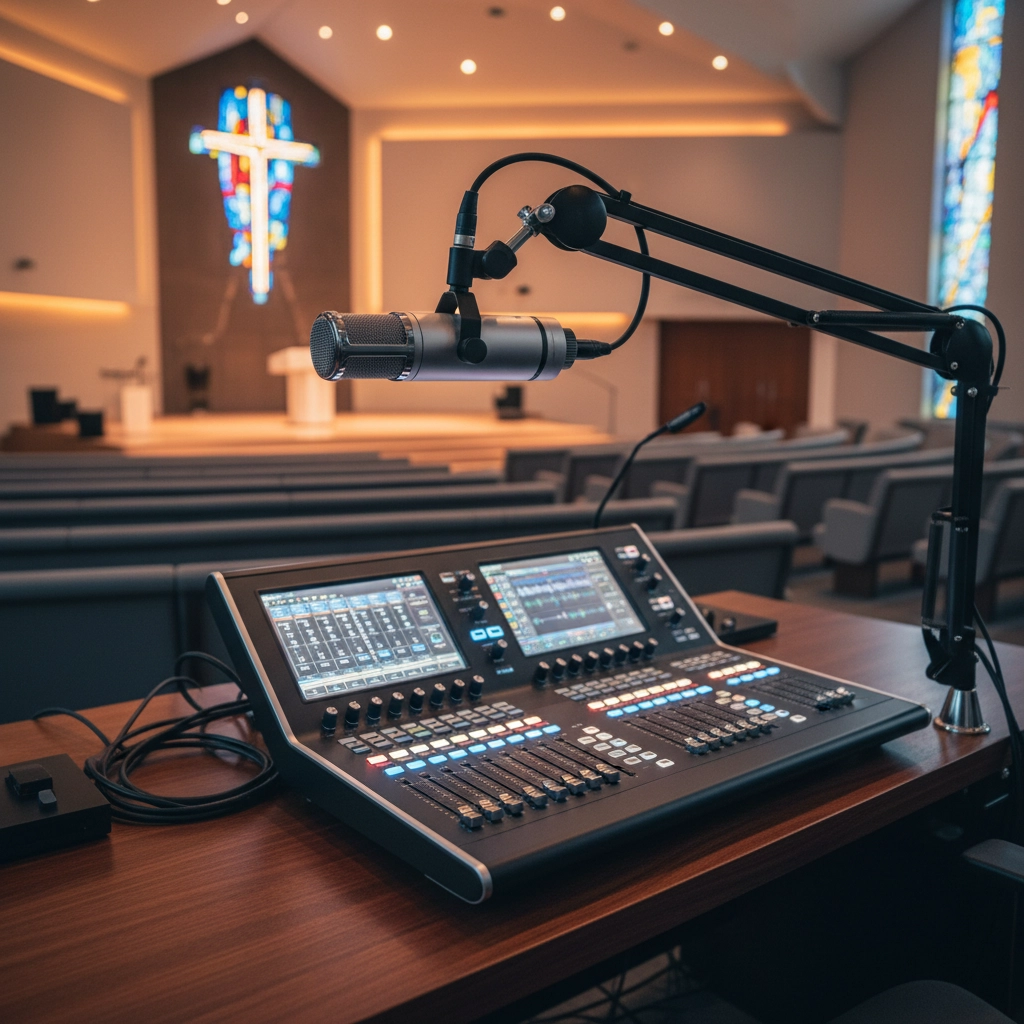
The Fix: Invest in dedicated streaming audio equipment. This doesn't have to break the bank – quality USB microphones or lapel mics specifically for your livestream setup can make a world of difference.
Consider creating a separate audio feed for your stream that's independent of your sanctuary's sound system. This allows you to control levels specifically for online viewers without affecting the in-person experience. Test your audio levels before every service, and don't forget to have someone monitor them throughout the worship time.
Mistake #2: Forgetting Your Online Congregation Exists
One of the biggest oversights in hybrid services is treating online viewers like they're watching television instead of participating in worship. When pastors and worship leaders focus entirely on the physical congregation, remote participants feel like outsiders looking in.
This disconnect can make your online audience feel disconnected from the worship experience and less likely to engage with your ministry long-term.
The Fix: Train your entire team to acknowledge both audiences regularly. Have your pastor greet online viewers at the start of each service with something like "Welcome to those joining us here in the sanctuary and those worshiping with us from home."
During interactive moments – prayer requests, announcements, or communion – specifically mention your online congregation. Simple phrases like "whether you're here with us or watching from your living room" help remote participants feel included in the worship experience.
Mistake #3: Shaky Cameras and Poor Shot Composition
Nothing screams "amateur hour" like a wobbly camera or awkward angles that cut off the speaker's head. Many churches rely on handheld devices or improperly mounted cameras, creating a disorienting viewing experience that distracts from worship.
Poor camera work can make viewers feel seasick or frustrated, causing them to abandon your stream entirely.
The Fix: Stability is your best friend. Use tripods or professional camera mounts for every camera in your setup. If you're using smartphones (which can produce excellent results), invest in quality phone mounts and tripods.
For more advanced setups, consider multiple cameras with different angles – wide shots for worship music, close-ups for speaking segments – controlled by a simple video switcher. This provides visual variety while maintaining professional stability throughout your service.
Mistake #4: Ignoring the Power of Proper Lighting
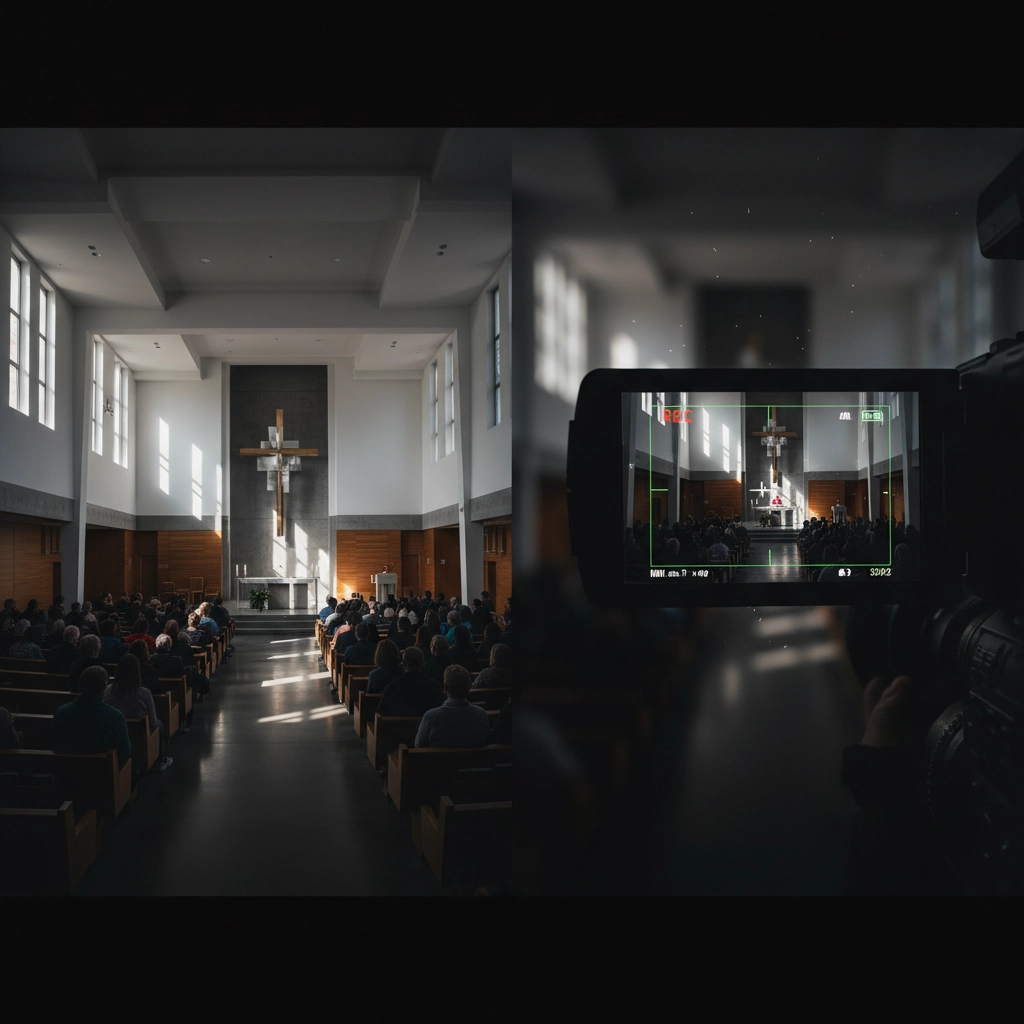
Many sanctuaries weren't designed with livestreaming in mind, leading to dark, shadowy, or unevenly lit video feeds. Poor lighting makes it difficult for online viewers to see clearly and creates an unprofessional appearance that can distract from your message.
The Fix: Good lighting doesn't require a Hollywood budget. Add affordable LED lights to brighten key areas where your speakers and worship leaders will be positioned. Pay attention to natural light changes throughout the day, especially if you have multiple services.
Position your cameras in the best-lit areas of your sanctuary when possible, and avoid backlighting situations where speakers appear as silhouettes against bright backgrounds like stained glass windows.
Mistake #5: Skipping Equipment Testing and Preparation
Technical glitches during live worship can completely disrupt the experience for online viewers. Dead air, frozen screens, or audio dropouts create frustration and make your ministry appear unprepared.
Many churches go live without properly testing their equipment, internet connection, or streaming setup beforehand – a recipe for disaster.
The Fix: Create a pre-service checklist and stick to it religiously. Test all equipment at least 30 minutes before your service begins, including a full audio check and internet speed test.
Start your stream several minutes before the actual service to ensure everything is working properly. Consider running a private test stream with volunteers earlier in the week to identify potential issues before Sunday morning.
Keep backup equipment on hand when possible – extra cables, backup microphones, and mobile hotspots can save your service when technical issues arise.
Mistake #6: Unmoderated Chat Creates Chaos
Live chat can be an incredible tool for engagement, but without proper oversight, it can become a major distraction. Inappropriate comments, spam, or off-topic conversations can pull attention away from worship and make genuine participants feel uncomfortable.
The Fix: Assign dedicated volunteers to monitor and moderate your chat during services. Train these moderators to engage positively with viewers, answer questions, and maintain appropriate conversation standards.
Consider having multiple moderators for larger streams, and establish clear guidelines for chat interaction. Moderators should welcome newcomers, share relevant information about your church, and help create a welcoming online environment that reflects your community values.
Mistake #7: Missing the Website Integration Opportunity
Many churches default to streaming exclusively on platforms like YouTube or Facebook, missing valuable opportunities to drive traffic to their own websites and create more controlled viewing environments.
While social media platforms are great for discovery, they don't allow you to provide the additional resources and context that can turn casual viewers into engaged community members.
The Fix: Embed your live stream directly into your church website while simultaneously broadcasting to social media platforms. Services like Restream allow you to broadcast to multiple destinations at once.
Make your website the primary destination for online worship by surrounding your stream with additional resources – service notes, prayer request forms, giving options, and information about upcoming events. This creates a more complete worship experience and gives you better control over how visitors engage with your ministry.
Moving Forward with Confidence
Fixing these common livestreaming mistakes doesn't happen overnight, but addressing them systematically will dramatically improve your hybrid worship experience. Start with the most critical issues – audio quality and equipment testing – then work your way through the other areas.
Remember, the goal isn't to create a perfect television production. It's to create authentic worship experiences that genuinely serve both your in-person and online congregations. With some attention to these details and consistent effort, your hybrid services can become powerful tools for expanding your ministry's reach while maintaining the intimacy and connection that makes worship meaningful.
The investment you make in improving your livestreaming capabilities will pay dividends in expanded reach, increased engagement, and stronger connections with both local and remote members of your faith community.
Comments