


7 Mistakes You’re Making with PTZ Cameras (and How to Fix Them)
- Tim Adams

- Mar 30
- 6 min read
Updated: Mar 30
Pan-Tilt-Zoom (PTZ) cameras have revolutionized how a modern church manages video production. These compact, remote-controlled devices allow a single operator to manage multiple angles, providing a professional broadcast look without requiring a dozen camera operators scattered throughout the sanctuary. However, simply buying a high-end camera does not guarantee a high-end result.
Because worship environments often rely on volunteer labor and unique architectural layouts, technical errors are common. Research indicates that roughly 60% of PTZ malfunctions stem from improper installation or maintenance rather than actual hardware defects. If your video feed looks shaky, blurry, or inconsistent, the culprit is likely one of the following seven mistakes.
1. Mounting on Unstable Surfaces (The "Balcony Bounce")
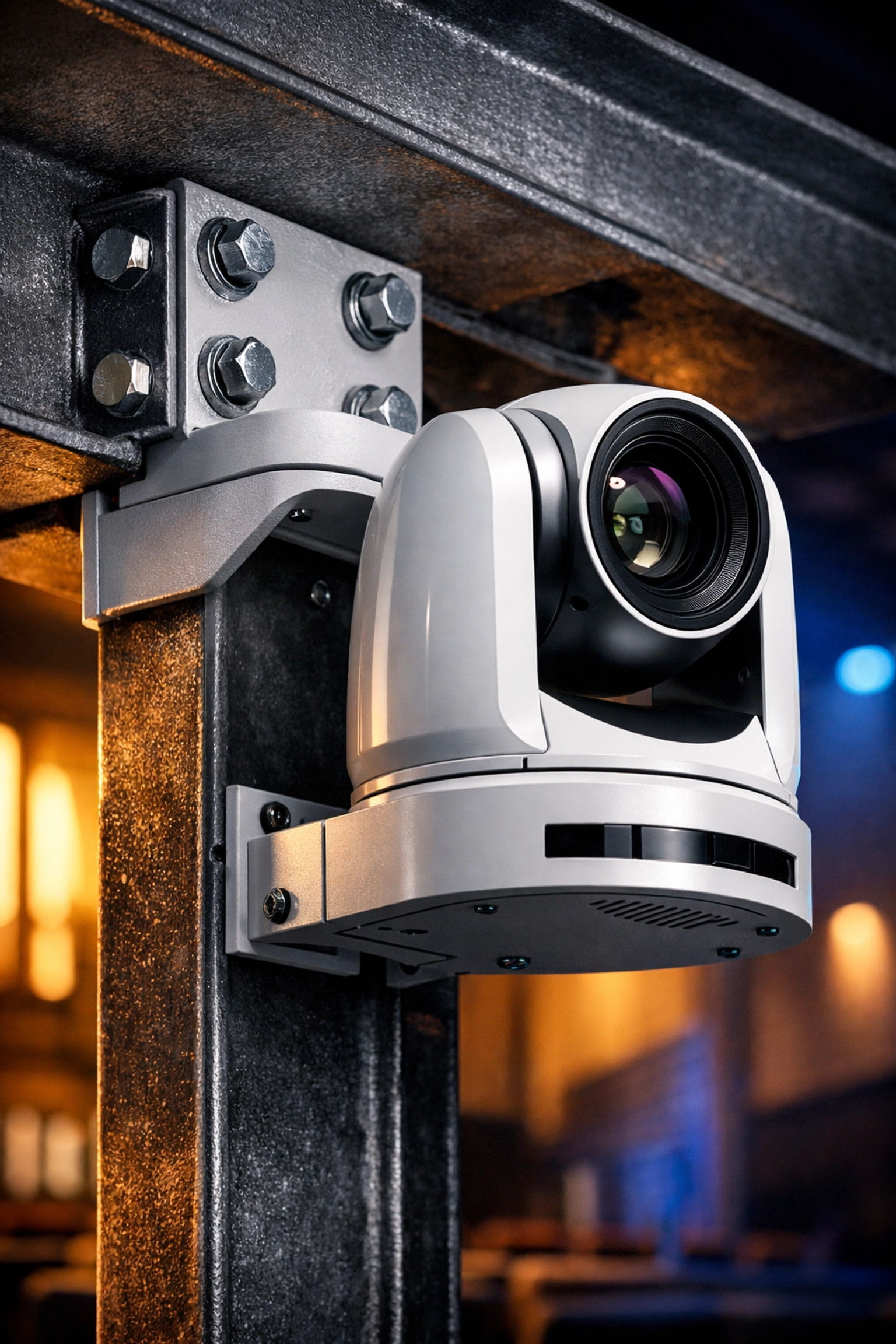
One of the most frequent errors in church AV installation is mounting PTZ cameras on unstable surfaces. Many technical teams choose to mount cameras on the front edge of a wooden balcony or a drywall-clad pillar. While these spots offer great sightlines, they are prone to vibration.
When the congregation stands to sing, or the subwoofers kick in during a high-energy worship set, the floor vibrates. At a 20x or 30x zoom, even a microscopic tremor at the base of the camera results in a massive, nauseating shake on the screen.
The Fix: Always mount PTZ cameras to structural elements: steel beams, concrete walls, or dedicated heavy-duty wall mounts. If you must mount on a balcony, use a vibration-dampening mount. Before finalizing a location, have someone jump near the mounting point while you watch the feed at full zoom. If it shakes, find a more rigid spot.
2. Inadequate Power Supply and Voltage Drop
PTZ cameras are precision instruments with internal motors that require consistent, clean power to pan and tilt smoothly. A common mistake is using a power supply that is either underpowered or located too far from the camera. If a camera receives less than the required voltage (often 12V or 24V), the motors may stutter, the camera might randomly reboot, or the "Home" position might drift over time.
For many modern setups, Power over Ethernet (PoE+ or PoE++) is the standard. However, using a standard PoE switch for a camera that requires PoE++ will lead to intermittent failures, especially when the infrared (IR) lights kick in or the motors move at high speeds.
The Fix: Verify the exact power requirements in the manual. If using PoE, ensure your network switch has a high enough power budget to handle all cameras simultaneously. If you are running DC power over long distances, use a multimeter to check the voltage at the camera end while the motors are moving. If the voltage drops significantly, you may need a higher-gauge wire or a local power source.
3. Relying Entirely on Auto-Focus in Low Light
Sanctuaries are notoriously difficult environments for auto-focus systems. Between dramatic stage lighting, stained glass reflections, and dark pews, a PTZ camera can easily get "confused." This leads to "focus hunting," where the image snaps in and out of clarity during a sermon or a song.
The problem is exacerbated when cameras are pointed at low-contrast scenes, such as a speaker wearing a black suit against a dark background. Without a sharp edge to lock onto, the camera will cycle through its focus range indefinitely.
The Fix: For static shots like the pulpit or the keyboard, use manual focus presets. Most professional PTZ controllers allow you to save the focus setting along with the pan and tilt coordinates. By locking the focus for your main shots, you eliminate the risk of the camera losing clarity at a critical moment. If you must use auto-focus, ensure the subject is well-lit and stands out from the background. You can explore system design options to better integrate lighting and video for optimal clarity.

4. Poor Cable Management and Signal Interference
In the rush to get a system running, it is tempting to use whatever Ethernet or SDI cables are lying around. However, PTZ cameras are sensitive to electromagnetic interference (EMI). Running unshielded cables parallel to high-voltage power lines: such as those powering your stage lights or amplifiers: can introduce "noise" into the signal. This results in flickering video, horizontal lines, or lost control signals.
Furthermore, exceeding the maximum cable length for your signal type is a recipe for disaster. While SDI can go several hundred feet, high-bitrate 4K signals over HDMI or certain NDI configurations have much shorter limits.
The Fix: Use Shielded Twisted Pair (STP) cables for network connections and high-quality, 12G-rated SDI cables for video. Avoid running signal cables in the same conduit as power lines. If you are dealing with a large facility where runs exceed 300 feet, consider using fiber optic extenders to maintain signal integrity without the risk of interference.
5. Neglecting Routine Maintenance and Cleaning
Because PTZ cameras are often mounted high in the ceiling or on walls, they are frequently neglected until something breaks. Dust is the enemy of any mechanical system. Over time, dust and debris can settle in the gears of the pan-tilt mechanism, causing "jerky" movements or audible squeaking.
Even worse is a dirty lens. A thin film of dust or a single fingerprint can cause the camera to flare when hit by stage lights, washing out the entire image. If your church uses haze or fog machines during worship, this buildup happens much faster, as the fluid residue acts like a magnet for dust.
The Fix: Establish a quarterly maintenance schedule. Use a can of compressed air to clear the gears and a microfiber cloth with a small amount of lens cleaner for the glass. Never use paper towels, as they can scratch the delicate lens coatings. For cameras in high-haze environments, monthly cleaning may be necessary. For more tips on maintaining church AV equipment, visit our blog-posts-sitemap.xml for archived guides.

6. Incorrect Control Protocol Configuration
A PTZ camera is only as good as the protocol used to control it. Many technicians leave their cameras on default settings, which might use older protocols like Pelco-D or Pelco-P. While functional, these protocols often lack the precision and speed of modern options like VISCA over IP or NDI.
Incorrect settings can lead to "latency," where there is a noticeable delay between moving the joystick and the camera responding. In a live environment, this makes it nearly impossible to follow a pastor who likes to pace the stage.
The Fix: Standardize your system on a modern protocol like VISCA or NDI. Ensure the baud rate and address settings match between the camera and the controller. If you are using NDI, ensure your network is configured with a Gigabit switch and that Multicast is properly managed to prevent the video data from flooding your entire church network.
7. The "Security Cam" Angle (Poor Placement)
Perhaps the most common "non-technical" mistake is placing PTZ cameras too high. Many church installations place cameras near the ceiling to keep them out of sight. While this is aesthetically pleasing, it creates a "security camera" look where the viewer is looking down on the top of the head of the speaker.
A professional broadcast should feel like a conversation, which requires eye-level shots. If the camera is too high, you lose the facial expressions and the personal connection that makes video ministry effective for those watching at home.
The Fix: Mount cameras as close to eye level as possible without obstructing the view of the congregation. If you must mount high, place the cameras further back in the room to decrease the angle of the shot. This creates a flatter, more natural perspective. Check out our projection packages and other hardware solutions for ideas on how to balance aesthetics with professional placement.
Building for the Long Haul
A PTZ camera is a significant investment for any church. By avoiding these seven common pitfalls, you ensure that your equipment lasts longer and performs better. Reliability is the key to a successful worship broadcast; if the technology is distracting, it pulls the focus away from the message.
At Timato Systems, we specialize in creating durable, high-performance AV environments. Whether you are troubleshooting an existing setup or planning a full system design, focusing on the details of installation and maintenance will pay dividends every Sunday. Proper power, stable mounts, and regular cleaning are not just technical chores; they are the foundation of an excellent video ministry.
Comments