


Are Your Church Volunteers Struggling with AV Tech? Here's How to Build Systems They Can Actually Use
- Tim Adams

- Sep 21, 2025
- 4 min read
Updated: Mar 30
Every Sunday morning, churches across the country face the same challenge: volunteers standing behind mixing boards looking overwhelmed, frantically pressing buttons while the pastor waits for their microphone to work. Sound familiar? You're not alone.
The reality is that most church AV systems weren't designed with volunteers in mind. They were built by tech enthusiasts who assumed everyone would love diving into complex routing matrices and signal processors. But here's the thing, your volunteers just want to serve their church community without feeling like they need an engineering degree.
The Real Challenge: Volunteers Aren't Audio Engineers
Let's start with some hard truths. The average church volunteer needs 6-12 months to become fully comfortable with your AV system. That's not because they're slow learners, it's because most church tech setups are genuinely complex.
Your volunteers are teachers, accountants, retirees, and college students. They're generous with their time and eager to help, but they didn't sign up to become broadcast engineers. When we design systems that require extensive technical knowledge, we're setting our volunteers up for frustration and failure.
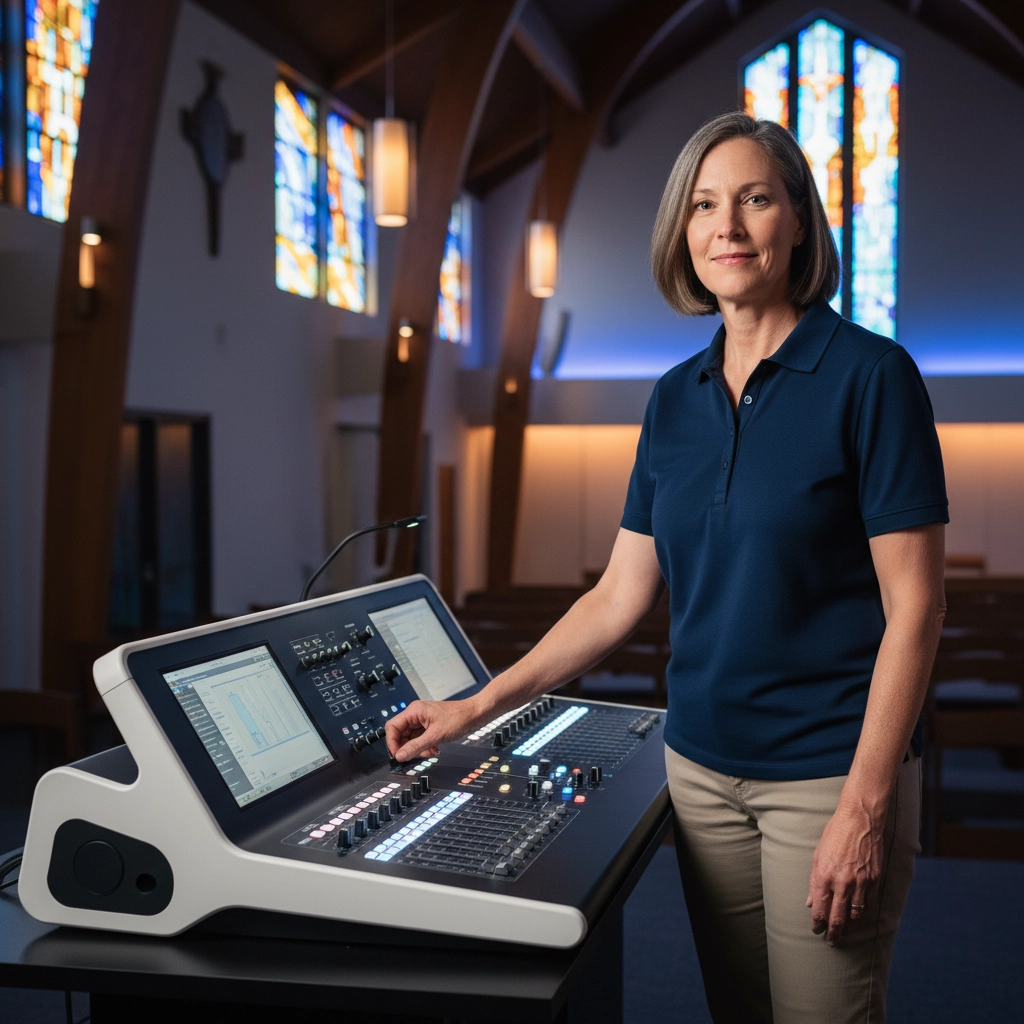
The golden question you should ask about every piece of equipment and every system design choice is simple: "Could a volunteer operate this within an hour?" If the answer is no, you need to rethink your approach.
Building Volunteer-Friendly Systems from the Ground Up
Start Simple, Build Complexity Gradually
When volunteers first encounter your AV setup, they should see clear, intuitive controls for the basics: microphone levels, music playback, and projection switching. Save the advanced features for later in their training journey.
Think of it like learning to drive. Nobody starts with parallel parking and highway merging. They start with steering, braking, and basic acceleration in an empty parking lot. Your AV system should work the same way.
Design for Your Actual Team, Not Your Dream Team
Many churches design systems assuming they'll have dedicated, experienced volunteers every week. But reality is messier. People get sick, go on vacation, or have family emergencies. Your system needs to work when your most experienced volunteer is unavailable and someone new has to step in.
This means choosing equipment with intuitive interfaces over feature-packed models that require extensive training. It means designing signal flow that makes sense to someone who's never seen it before.
The Training Foundation That Actually Works
Set Realistic Expectations Early
One of the biggest mistakes churches make is expecting new volunteers to jump in and perform flawlessly immediately. This creates anxiety for volunteers and frustration for leadership.
Be upfront: "It takes about six months to become really comfortable with our system, and that's completely normal. We'll pair you with experienced volunteers until you feel confident." This honesty relieves pressure and creates a supportive learning environment.
Create Learning Resources That Stick
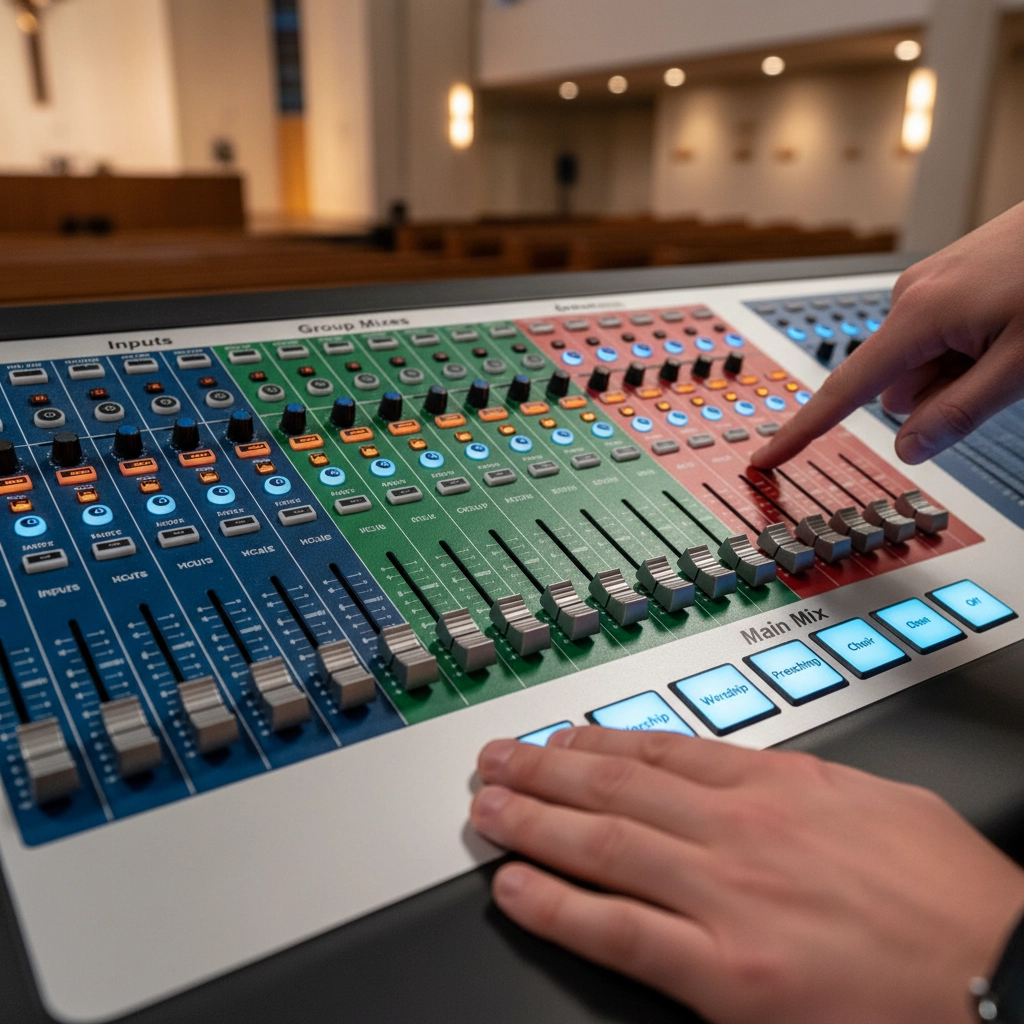
Generic training materials don't cut it. Your volunteers need resources specific to your exact setup. This means:
Quick-reference cards for common tasks
Video walkthroughs of your actual equipment
Step-by-step guides for troubleshooting common problems
Clear labeling on all equipment and connections
Consider online training platforms designed specifically for church tech volunteers. These resources let people learn at their own pace and review concepts as needed.
Document Everything (Seriously, Everything)
Your most experienced volunteer has a wealth of knowledge about your system's quirks and workarounds. Capture that knowledge before they move away or step down. Document not just the "how" but the "why" behind your procedures.
Leadership Structure That Supports Success
Every Church Needs an AV Leader
Whether it's a staff member, dedicated volunteer, or contracted professional, every church benefits from having one person who really understands the technical side. This person serves three crucial roles:
System Maintenance: They identify problems early and coordinate repairs. Nothing frustrates volunteers more than equipment that doesn't work properly.
Protocol Development: They create consistent procedures that all volunteers can follow, regardless of their technical background.
Volunteer Coordination: They match service requirements with volunteer capabilities, ensuring the right people are scheduled for the right roles.
Never Leave New Volunteers Flying Solo
This rule is non-negotiable. New volunteers should always work alongside experienced team members. They might know which buttons to press, but they lack the troubleshooting skills needed when things go wrong during a service.
Experienced volunteers can guide them through problems in real-time, turning potentially frustrating moments into learning opportunities.
Build Mentorship into Your System
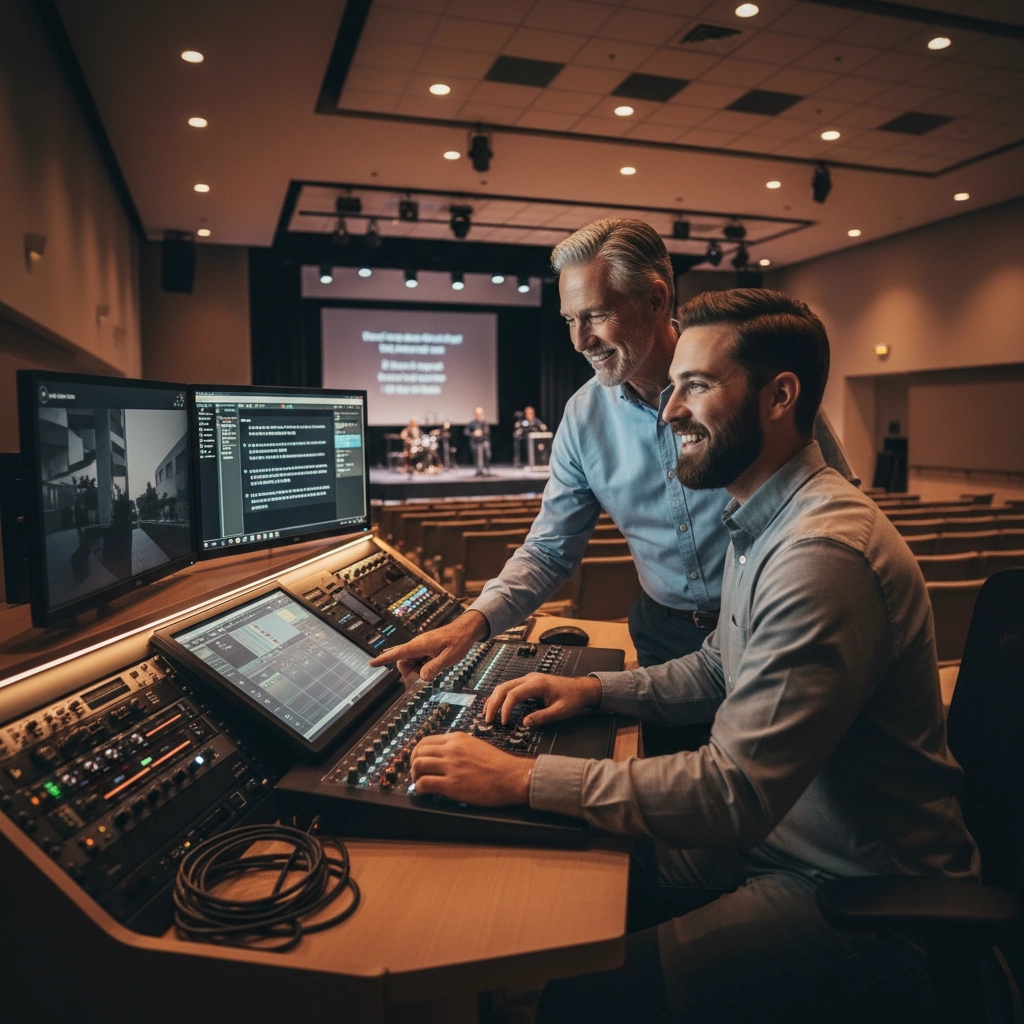
Formal mentorship accelerates learning and builds team cohesion. Pair new volunteers with experienced ones for at least their first six months. This relationship benefits both parties: mentees get personalized guidance, while mentors reinforce their own skills by teaching.
Implementation Strategy That Works
Evaluate with Volunteers in Mind
When planning system upgrades, include volunteer capabilities as a primary consideration alongside budget, congregation size, and technical requirements. The most advanced system in the world is worthless if your volunteers can't operate it effectively.
Choose Equipment Based on Real-World Use
Test equipment with actual volunteers before making purchasing decisions. Can they understand the interface quickly? Are the controls logical? Does it fail gracefully when mistakes happen?
Look for equipment with features like scene presets, automatic feedback suppression, and simple routing options. These features reduce the cognitive load on volunteers while maintaining professional results.
Establish Standard Operating Procedures
Create systematic procedures for routine operations, basic troubleshooting, and emergency situations. These should be detailed enough that someone can follow them step-by-step but simple enough to execute under pressure.
Standard procedures also ensure consistency week to week, regardless of which volunteers are serving.
The Path Forward
Building volunteer-friendly AV systems isn't about dumbing down your technology: it's about smart design that empowers your team. When volunteers feel confident and capable, they're more likely to stay engaged and bring friends into service.
Remember, your AV system exists to support worship, not to showcase technical complexity. The best system is the one that works reliably, sounds great, and lets your volunteers focus on serving rather than troubleshooting.
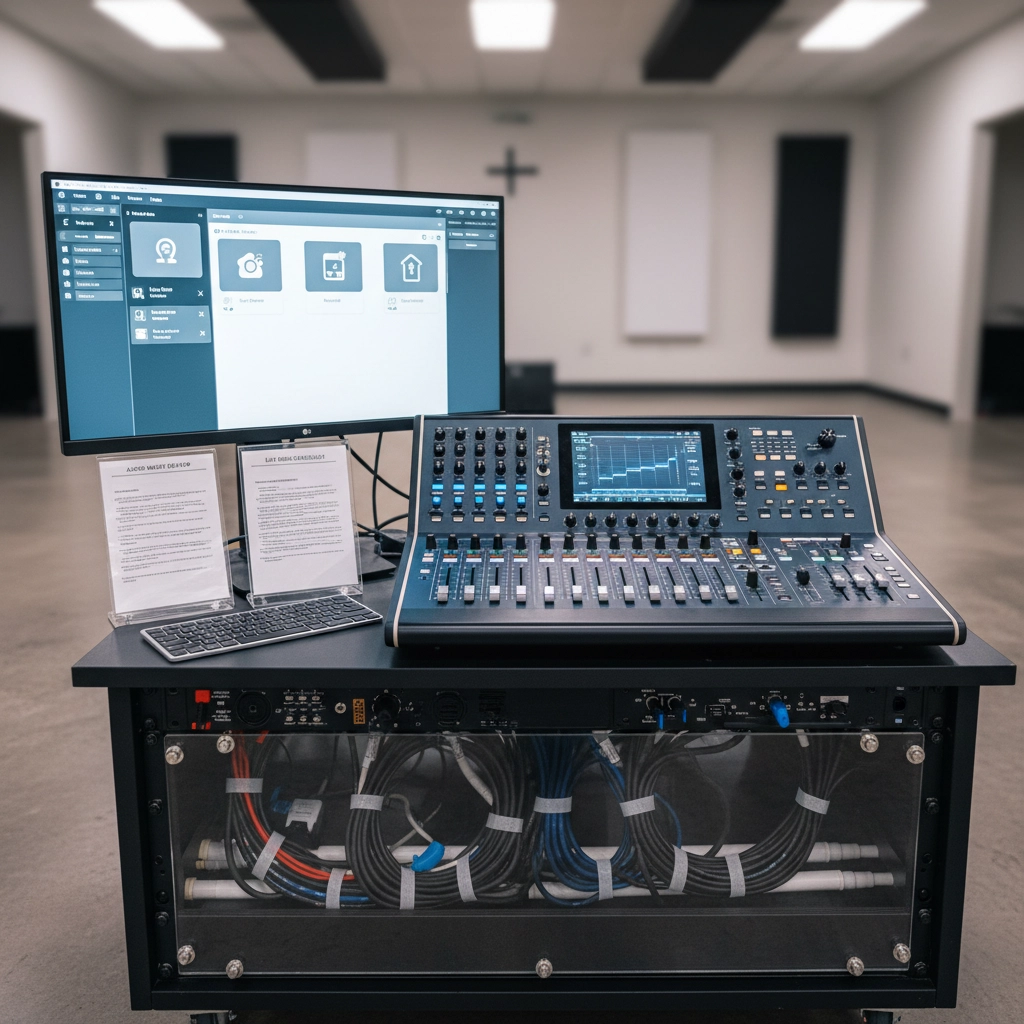
Start by auditing your current setup with fresh eyes. Could someone new operate your system within an hour? If not, identify the specific barriers and develop a plan to address them. Your volunteers: and your congregation: will thank you.
The goal isn't perfection from day one. It's creating an environment where volunteers can grow in confidence and competence while serving their church community effectively. When you design systems with volunteers in mind, everybody wins.
Ready to build an AV system your volunteers will actually love using? Contact us to discuss how we can help design a solution that works for your team and your ministry.
Comments