


Looking For a Scalable AV-over-IP System? Here Are 5 Things Your Church IT Needs to Know
- Tim Adams

- Apr 3
- 5 min read
By Tim Adams
If you’ve spent any time in the world of church technology over the last decade, you know the "Matrix Switcher Struggle." You buy an 8x8 switcher, thinking it’ll last forever, and three years later, you need a ninth input. Suddenly, you’re looking at thousands of dollars in "rip and replace" costs just to add one more camera or a lobby display.
This is why we’re seeing a massive shift toward AV-over-IP (AVoIP). It is the gold standard for churches that want to stop buying gear twice. By moving your audio and video signals onto your standard network infrastructure, you move away from rigid hardware limitations and into a world of software-defined flexibility.
But for a church IT team or a tech director, "moving it to the network" sounds like a potential headache. Will it crash the Wi-Fi? Is the latency going to drive the worship leader crazy?
Before you start pulling CAT6 for your next upgrade, here are the five things your church IT team needs to understand about building a scalable AV-over-IP system.
1. Scalability: Breaking the "Fixed Port" Curse
The biggest benefit of AVoIP is that your system is no longer defined by how many holes are in the back of a black box in your rack. In a traditional setup, if you have a 16-port switcher and you want a 17th device, you’re in trouble.
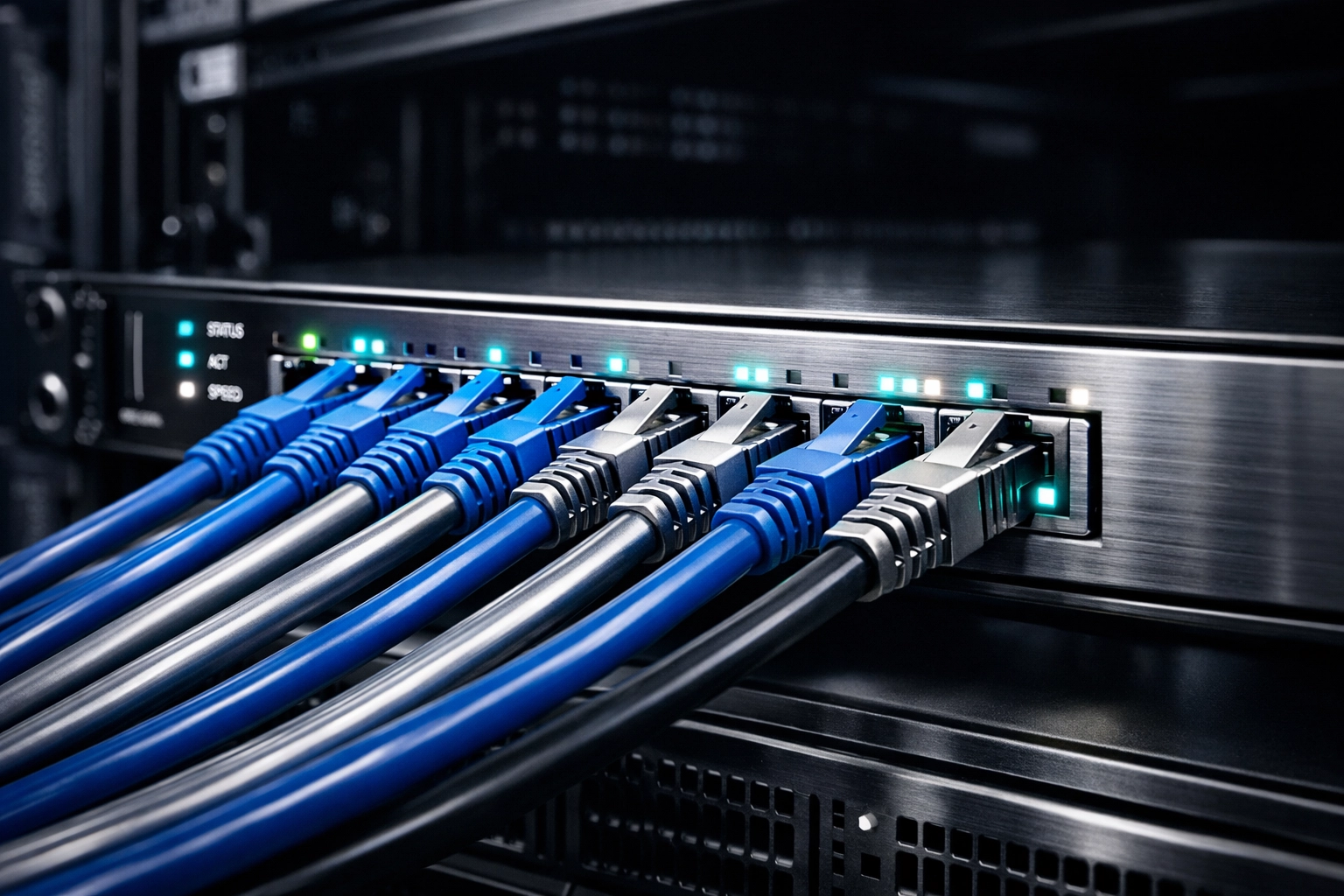
With AV-over-IP, your "switcher" is actually your network switch. If you need to add another Veritas LED wall in the youth room or a confidence monitor on the back wall, you simply plug an encoder or decoder into an available network port.
This modularity is a game-changer for growing churches. You can start small with just your main sanctuary and slowly expand to the lobby, the cry room, and the classrooms without ever having to re-architect the core of your system. It allows you to build a flexible AV system for faith communities that grows alongside your congregation.
2. Network Requirements: It’s More Than Just "Plugging It In"
While AVoIP uses standard Ethernet, you can’t just treat it like a printer or a basic desktop computer. High-quality video consumes a lot of bandwidth.
Your IT team needs to consider two main things: Bandwidth and IGMP Snooping.
Bandwidth: Depending on the protocol you choose (like NDI, SDVoE, or Dante for audio), a single 4K video stream can take up anywhere from 150Mbps to 1Gbps. If your church is running on an older 10/100 switch, it’s time for an upgrade. For a truly scalable system, a 1Gbps backbone is the bare minimum, while 10Gbps is becoming the standard for future-proofed sanctuaries.
IGMP Snooping: This is a network setting that prevents your video streams from "flooding" the entire network. Without it, your video signals will try to go to every single device on the network, which is a great way to make the office staff very angry when their emails won't send during rehearsal.
If you aren't sure if your current setup is ready for this jump, it's worth looking into how audio quality and room acoustics interact with your digital backbone.
3. Latency: The Enemy of "The Groove"
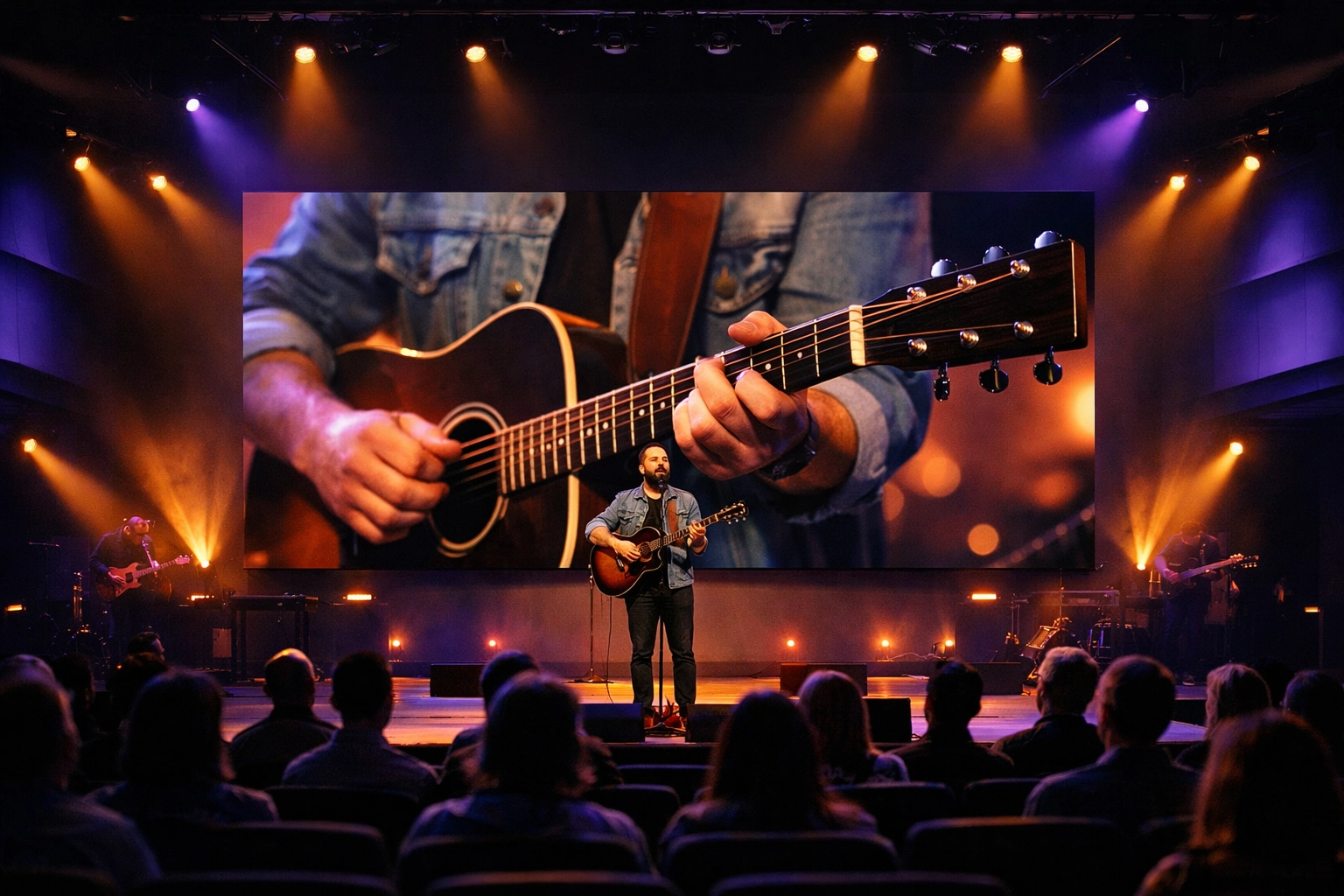
In a church environment, latency (delay) is the ultimate deal-breaker. If the singer’s lips move on the screen a quarter-second after the sound hits the speakers, the experience is ruined. This is especially critical for IMAG (Image Magnification) in large sanctuaries.
When choosing an AVoIP solution, you have to look at the "end-to-end" latency. Traditional systems have near-zero latency because they are hardwired point-to-point. AVoIP has to "packetize" the video, send it over the network, and "un-packetize" it at the other end.
Modern high-end AVoIP systems have brought this down to "sub-frame" latency, meaning the human eye literally cannot detect it. If you are shopping for gear, make sure your IT team is looking at systems designed for live production, not just digital signage. Signage can handle a few seconds of delay; your worship leader cannot.
4. Centralized Management: Empowering Your Volunteers
One of the hidden costs of church tech is the "Sunday Morning Panic." You know the one: where a volunteer can't figure out why the projector isn't showing the lyrics.
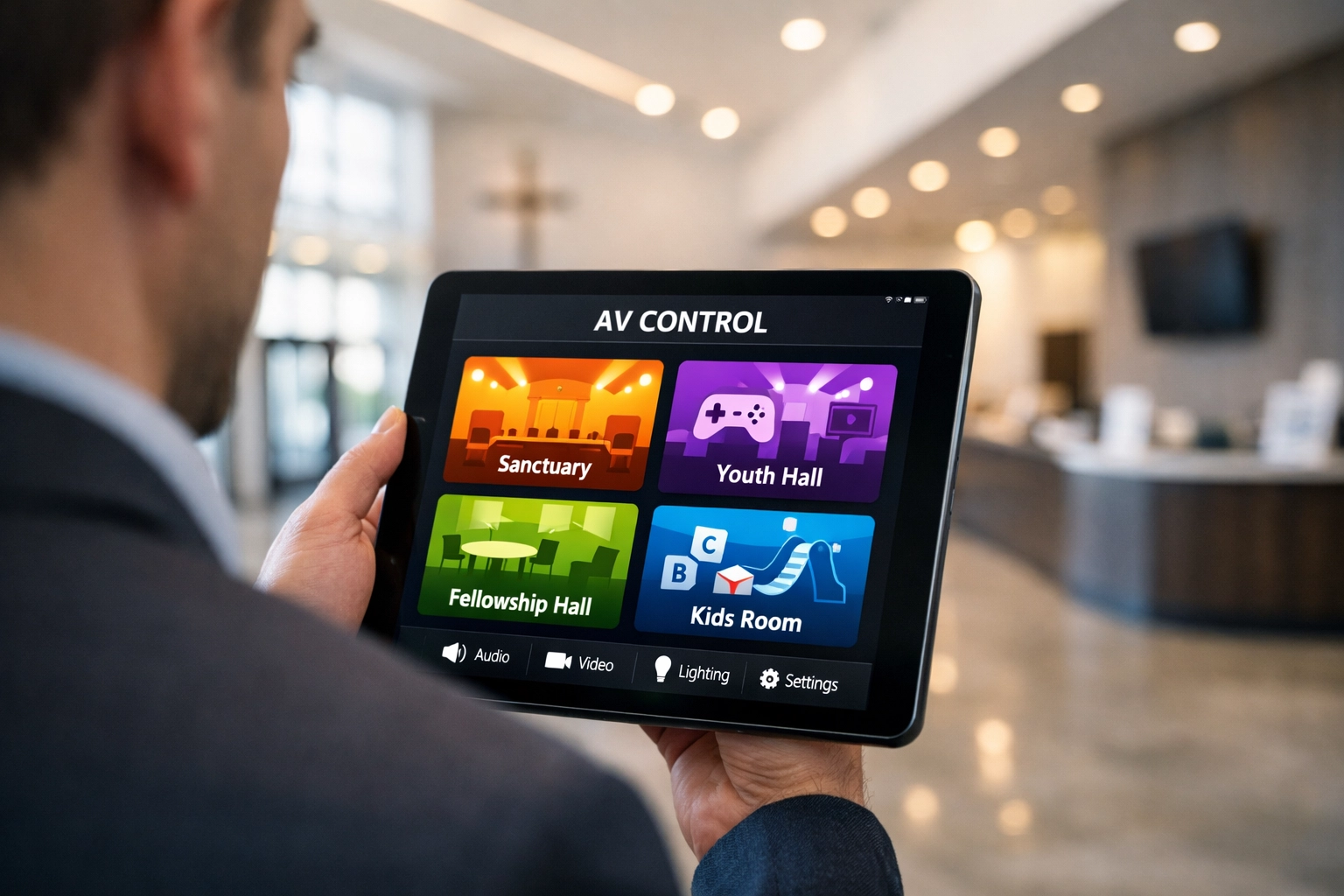
One of the most powerful things about AV-over-IP is centralized management. Because everything is on the network, your IT staff (or a lead tech) can manage every device from a single dashboard.
Need to reboot a decoder in the lobby? Do it from your phone.
Want to change what’s playing on the 5th-grade classroom TV? Drag and drop it from the booth.
Need to check the health of your cameras? Log in remotely.
This makes it much easier to train volunteers on complex AV systems because the physical "patching" is replaced by a user-friendly software interface. We’ve found that when you build systems volunteers can actually use, the stress levels in the tech booth drop significantly.
5. Future-Proofing: Stop Re-Wiring Your Building
Pulling copper cable through ceilings and walls is expensive and messy. The beauty of the AVoIP approach is that once you have a high-quality CAT6A or Fiber network in place, you are essentially done with the hard part.
In the past, moving from SD to HD meant pulling new cables. Moving from HD to 4K meant pulling more new cables. With AVoIP, the "cable" stays the same. You just swap the encoder at the camera and the decoder at the screen. The infrastructure: the network: stays exactly as it is.
As we look at top trends every faith community should know, the trend is clearly toward software-defined hardware. Investing in AVoIP today means you aren't just buying gear for 2026; you’re building a foundation for whatever comes in 2030.
Making the Switch
Is AV-over-IP right for every single church? Not necessarily. If you have a single screen and one camera, a simple HDMI or SDI switcher is still a great, cost-effective choice.
However, if you find yourself constantly wishing you had "just one more input" or if you are tired of running long, expensive proprietary cables every time you want to add a TV in the hallway, it’s time to talk to your IT team about AVoIP.
At Timato Systems, we specialize in helping churches navigate these transitions. Whether you're looking at price vs. value for a new build or trying to fix 7 common mistakes with PTZ cameras, we're here to help you make tech serve your mission: not the other way around.
Moving to a scalable network-based system is a big jump, but it’s the last "big" jump you’ll have to make for a long time.
Tags: #ChurchTech #ChurchLeadership
Comments