


How to Train Volunteers on Complex AV Systems in Under 30 Minutes
- Tim Adams

- Feb 23
- 4 min read
Updated: Mar 30
Ever feel like your AV system should come with a pilot’s license? You’re not alone. Technology is getting better, and, yes, sometimes more complicated. But even the slickest control booth isn’t much good without confident volunteers behind the faders and screens.
Here’s the good news: Training new AV volunteers doesn’t have to be overwhelming or drag on for weeks. With the right approach, you can get them up and running: comfortably: in under 30 minutes. The trick isn’t to turn every volunteer into an AV engineer, but to make sure they know exactly what they need to do and where to find help when they need it.
Let’s break down the steps to make fast, effective AV volunteer training possible.
1. Define the Essentials: What Really Needs to Be Learned?
The biggest reason volunteer AV training feels intimidating is information overload. While it’s tempting to run through every button, menu, and feature, new volunteers need context and clarity first. Start by mapping out the core tasks specific to each volunteer role. For example:
For a soundboard operator: Muting mics, raising/lowering key faders, resetting scenes.
For the video team: Switching camera feeds, starting/stopping the livestream, launching pre-set graphics.
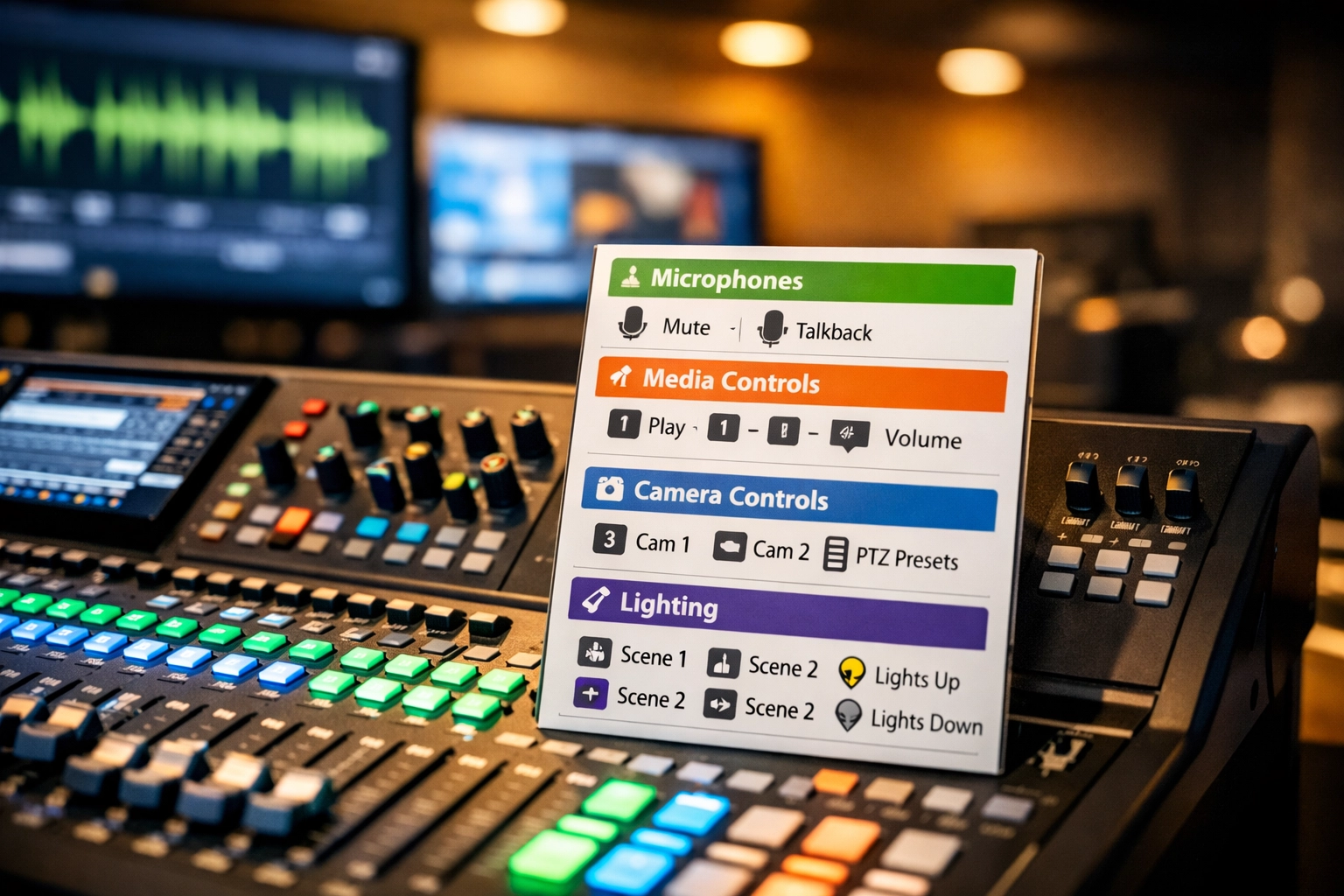
Create a checklist or laminated guide with only these functions highlighted. Simplicity is power.
Tip: Leave advanced features for later. Extra info can be confusing when you’re just starting.
2. Make It Hands-On: Right from the Start
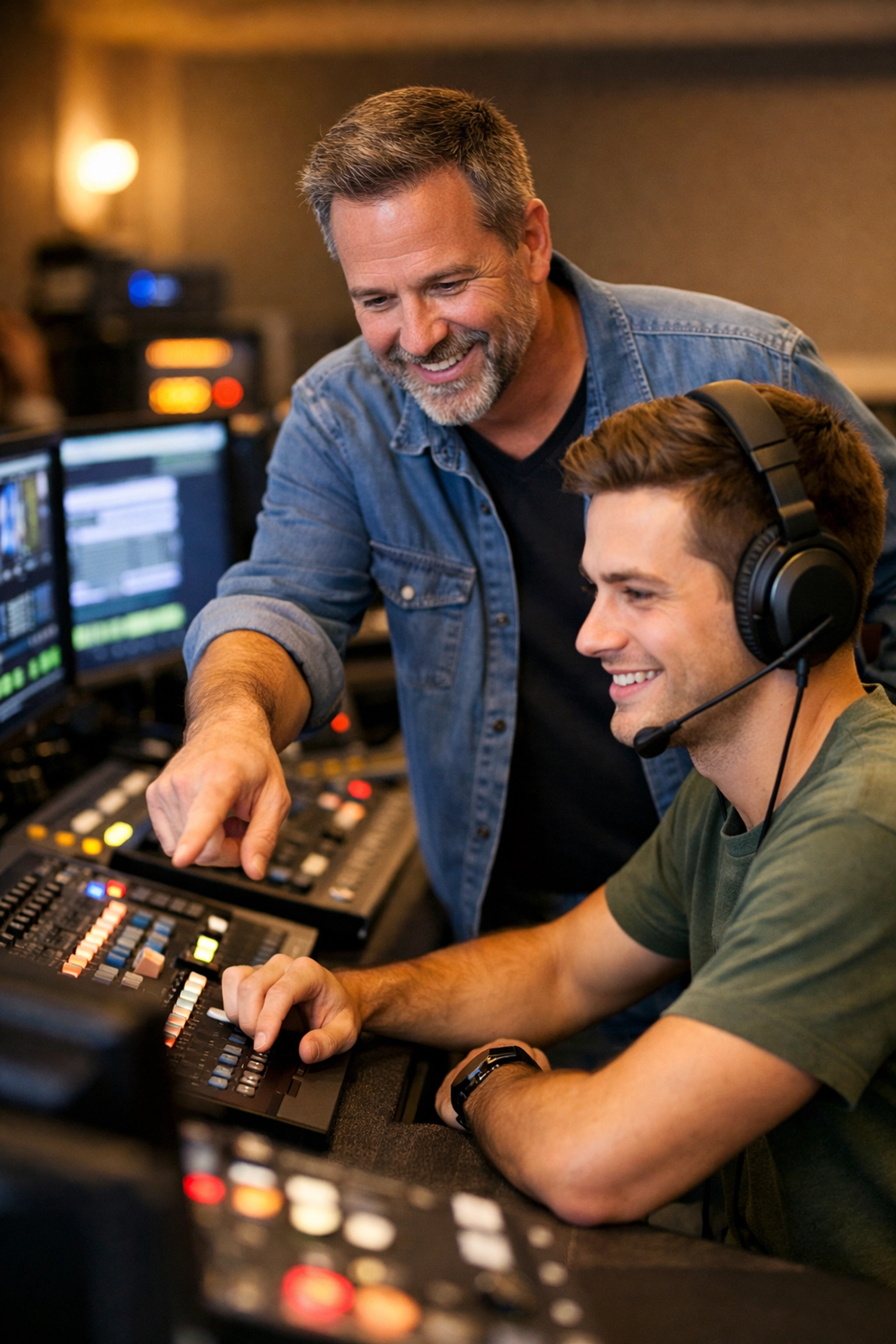
Forget the lecture: show, don’t tell. Walk new volunteers through the actual workflow they’ll use on a typical service or event. That means:
Turn the gear on together.
Move through the basic run (soundcheck, video switch, lights up/down).
Perform mock cues (“mute Pastor’s mic now,” “switch to camera 2,” etc).
Physical repetition builds confidence and muscle memory far faster than just reading or explaining.
Bonus: If you have multiple roles (audio, video, lights), train in very small groups, or even one-on-one, so each person gets ample hands-on time.
3. Use Visual Aids & Cheat Sheets Everywhere
No volunteer is going to remember everything right away: especially under pressure. Remove the mystery from your rack or booth by:
Labeling every channel, cable, and button clearly.
Posting step-by-step quick reference guides near equipment (using large text and color coding if possible).
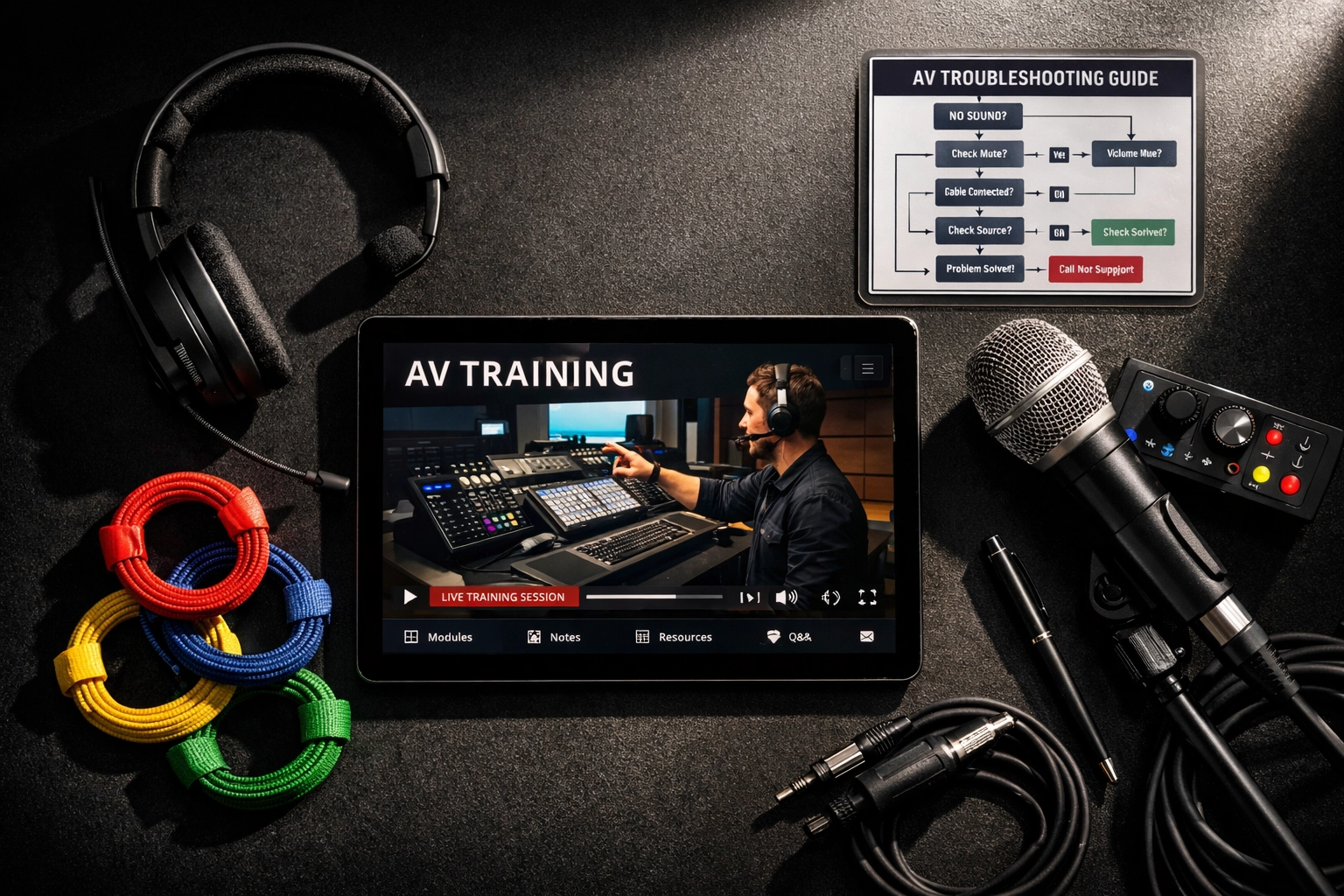
Keeping a printed troubleshooting flowchart handy for common problems (“no sound: check this first”).
A volunteer who can calmly follow cheat sheets is worth a dozen who are guessing.

4. Tag-Team With an Experienced Operator
Even the smoothest 30-minute training won’t cover every curveball. For the first few services, have new volunteers shadow an experienced operator. Switch roles midway: let them run the system while their mentor stands by to answer questions or step in if anything goes off-script.
This “chaperone” approach ensures that support is immediate and learning is ongoing. It also builds relationships and helps volunteers feel part of a real team, not just someone left alone at the controls.
Pro Tip: Set a benchmark for when a volunteer is “ready” (for example: run two full rehearsals with no major issues) before they go solo.
5. Create a Calm, Encouraging Environment
Tech can be intimidating: even for seasoned folks. Make sure you:
Reassure volunteers that mistakes happen and are fixable.
Encourage questions at any time.
Avoid rushing training to force coverage: pace it according to the learner’s comfort.
A calm volunteer thinks more clearly, solves problems faster, and is a happier part of your AV team.
6. Build a Simple Troubleshooting Protocol
A lot of tech stress comes from not knowing what to do when something goes wrong. Eliminate “freezes” by teaching:
The top three common issues and solutions (for example: feedback: lower the gain on the problem mic, silence: check power or mute status, video not showing: toggle camera input).
Who to call (and how) if the issue can’t be fixed quickly.
This can be as simple as, “If you see red lights flashing, call Max,” posted right by the console.
7. Supplement With Microlearning Tools
Short videos, GIFs, or app-based guides can be created for each system or process. Send these out after in-person training, so volunteers can review at their own pace (especially before a big event). This adds confidence and reduces “first day jitters.”
Not sure where to start? Record a walkthrough on your phone the next time you flip the system on: real and relatable beats fancy and formal every time.
8. Ask for (and Use!) Volunteer Feedback
After a few weeks, check in: Was the training clear? Did they have what they needed? What would have helped them learn faster? Volunteers are the best source for improving future coaching.
Sample 30-Minute AV Volunteer Training Outline
Here’s a practical breakdown you can adapt for your venue’s setup:
If you’ve got a good reference sheet and the right culture, this is all it takes to get new folks rolling.
Scaling Training for Larger Volunteer Teams
With more volunteers comes more scheduling complexity and potential for inconsistency. Streamline by:
Recording a standard training session and sharing with all new members.
Hosting quarterly refresher workshops.
Assigning a single “AV Team Leader” as the point of contact for issues or confusion.
This ensures everyone’s on the same page, no matter when they join.
When Is More Training Needed?
Some situations do require deeper knowledge: like operating advanced mixing consoles, troubleshooting networking issues, or managing multi-camera livestreams. For these, layer on additional, role-specific sessions once a volunteer has the basics down.
People learn best by doing, not just listening. Focus on the workflow they’ll actually use first, then build confidence over time.
Ready to Level Up Your AV Team?
Complex technology doesn’t have to be a barrier. With the right training structure and attitude, your volunteer squad can run even the most advanced AV system smoothly: and enjoy it.
Looking for more ways to streamline your technology and train your team? Check out our latest tips and product guides at Timato Systems. Or contact us directly to discuss solutions tailored to your space.
You don’t need to be an engineer. You just need a process that works, a team that cares, and the right tools at your fingertips.
Let’s make every service look and sound its best: confidently, and together.
Comments