


Lighting Matters: Why Your Worship Space Looks Washed Out on Camera (And 3 Quick Fixes)
- Tim Adams

- Feb 24
- 5 min read
Updated: Mar 30
You've invested in decent cameras. Your internet connection is solid. But every time you go live, something looks... off. Faces appear ghostly white. The worship leader seems to glow like they're about to ascend. And your beautiful sanctuary just looks flat and washed out on screen.
Sound familiar?
Here's the thing: what looks perfectly fine to the human eye often translates terribly on camera. And nine times out of ten, the culprit isn't your camera, it's your lighting setup.
The good news? You don't need a Hollywood budget or a complete lighting overhaul to fix this. Let's dig into why your worship space looks washed out and walk through three practical fixes you can implement this week.
Why Your Video Looks Washed Out (Even When It Looks Fine In Person)
Your eyes are incredible. They automatically adjust to different lighting conditions without you even thinking about it. Walk from a dark hallway into bright sunlight? Your pupils instantly contract to compensate.
Cameras don't have that luxury.
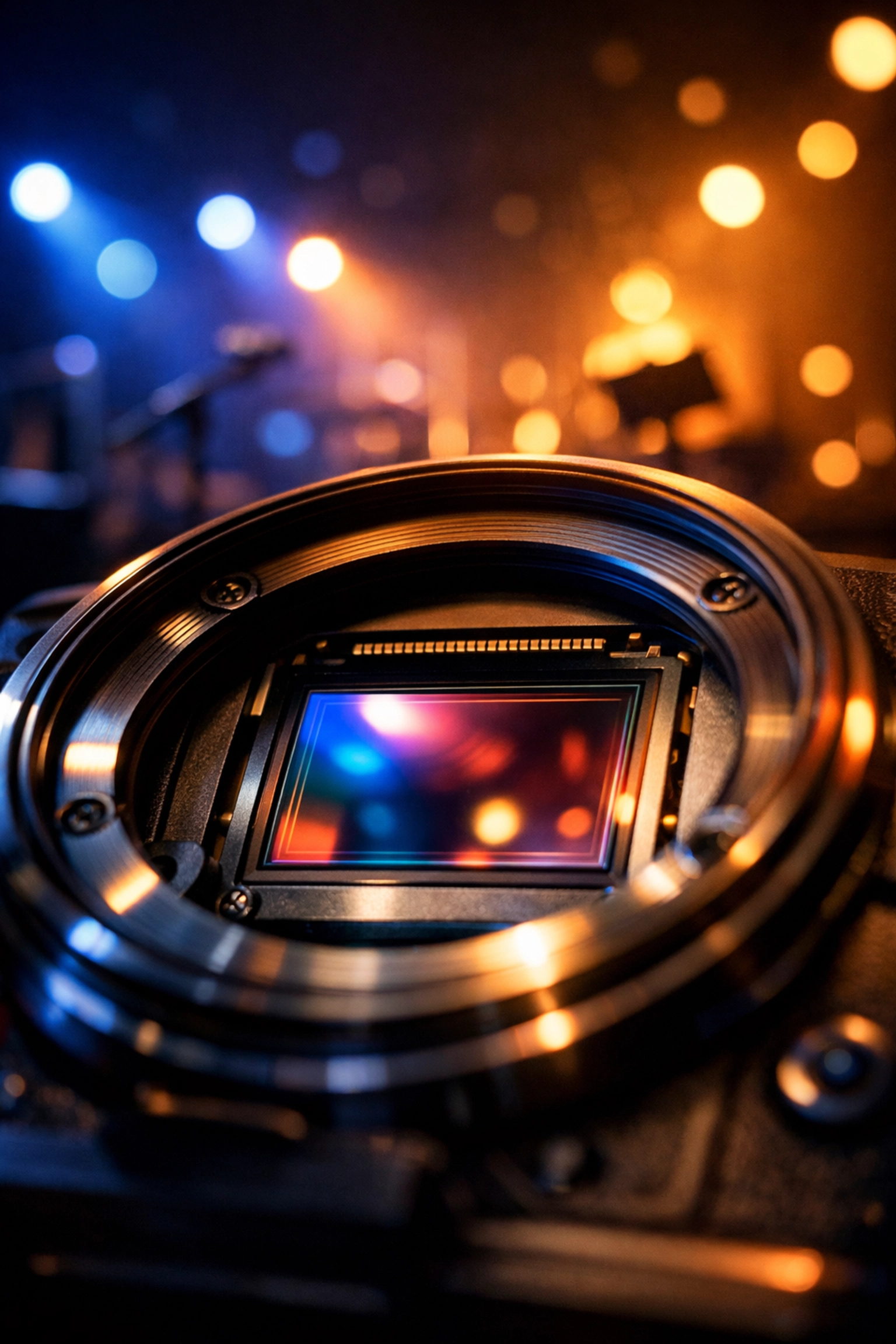
When your worship space has overwhelming front lighting or massive windows flooding the platform with natural light, your camera sensor gets overwhelmed. It can only capture a certain range of brightness (called "dynamic range"), and when something exceeds that range, it just... clips out. Details disappear into pure white.
This is why your pastor's face might look perfectly illuminated in person, but on camera, they look like a featureless blob of light. The camera is doing its best, but it's fighting a losing battle against physics.
There's another culprit too: flat lighting. When all your light comes from one direction, usually overhead house lights or a single front wash, everything looks two-dimensional on camera. People blend into the background. There's no depth, no separation, no visual interest. It's like watching a cardboard cutout presentation instead of a dynamic worship service.
And those beautiful stained glass windows? That natural light streaming in from the side of your platform? Gorgeous for the in-person congregation. Absolute murder for your live stream.
Quick Fix #1: Dial In Your Camera Settings
Before you spend a dime on new lighting, let's optimize what you already have. Most cameras come with automatic settings that try their best, but they're often making compromises that work against you.
Switching to manual controls gives you precise command over how your camera handles light. Start with your aperture (f-stop). This controls how much light passes through your lens. A lower f-stop number (like f/2.8 or f/4) opens the aperture wider, allowing more light in. If your image is too dark or details are getting lost in shadows, opening up your aperture can bring everything back without touching a single light fixture.
Next up: shutter speed. The general rule is to set your shutter speed to double your frame rate. Shooting at 30 frames per second? Set your shutter to 1/60. This gives you natural motion blur and proper light exposure. If your image is still too dark after adjusting aperture, you can slow down the shutter speed slightly to capture more light, but be careful not to go too slow or you'll get motion blur that looks weird.
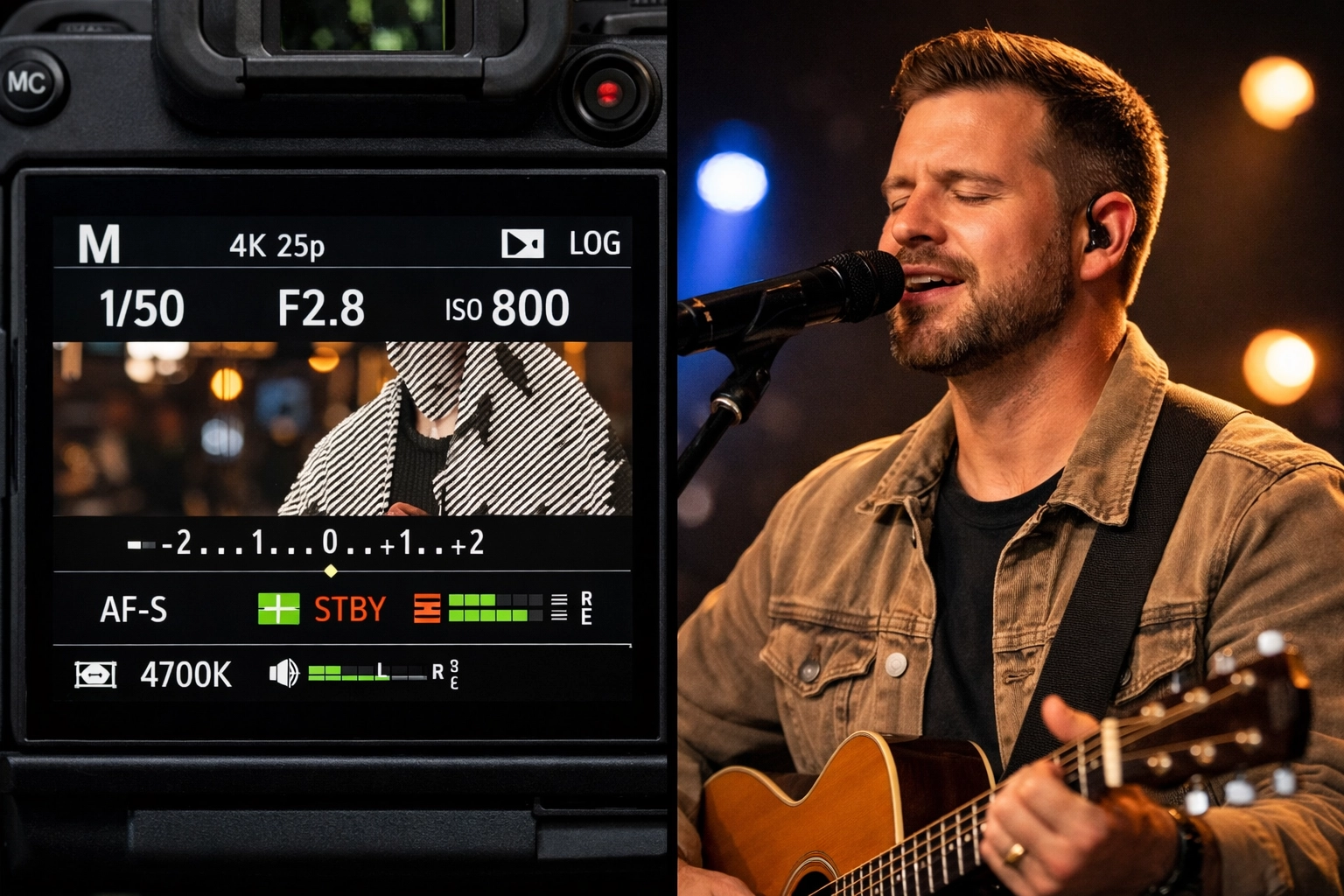
Here's a pro tip: most modern cameras have zebra stripes or exposure warnings that show you exactly which parts of your image are overexposed. Turn these on. They'll display diagonal lines or highlights over any area that's blown out to pure white. Use this feedback to dial in your settings until those zebras disappear from faces and important details.
Finally, if you're shooting LOG or flat color profiles, switch back to a standard profile. LOG is great for post-production color grading, but it requires proper exposure and can look washed out if you're streaming directly. Your standard profile will give you better contrast and more punch straight out of the camera.
Quick Fix #2: Tame That Natural Light
Natural light is beautiful. It's also wildly unpredictable and way too bright for most camera sensors to handle gracefully.
If your platform has windows behind or beside it, you're fighting an uphill battle every service. That sunlight changes intensity throughout the day, shifts with cloud cover, and can be 10-20 times brighter than your interior lighting. Your camera sees this and goes, "Well, I guess I'll expose for that massive bright spot," which means everything else: including your speaker: goes dark. Or it exposes for the speaker, and the window becomes a blown-out rectangle of pure white.
The simplest solution? Cover those windows during services. Blackout curtains, roller shades, or even temporary coverings can make a massive difference. You'd be amazed how much better your video looks when you eliminate that competing light source.
"But our congregation loves the natural light!" Fair point. If covering windows isn't an option, consider repositioning your camera angle to keep windows out of the shot entirely. Sometimes a simple 15-degree shift solves the whole problem.
If you can't reposition and you can't cover the windows, there's one more trick: neutral density (ND) filters. These are like sunglasses for your camera lens. They reduce the amount of light hitting the sensor without affecting color. A variable ND filter gives you flexibility to dial in exactly how much light reduction you need. Pop one on your lens, and suddenly that window-flooded platform becomes manageable.
Quick Fix #3: Add Dimension with Strategic Lighting
Here's where you get the biggest visual impact. Proper lighting isn't about making everything brighter: it's about creating depth and separation.
The magic formula is three-zone lighting: front, back, and side.
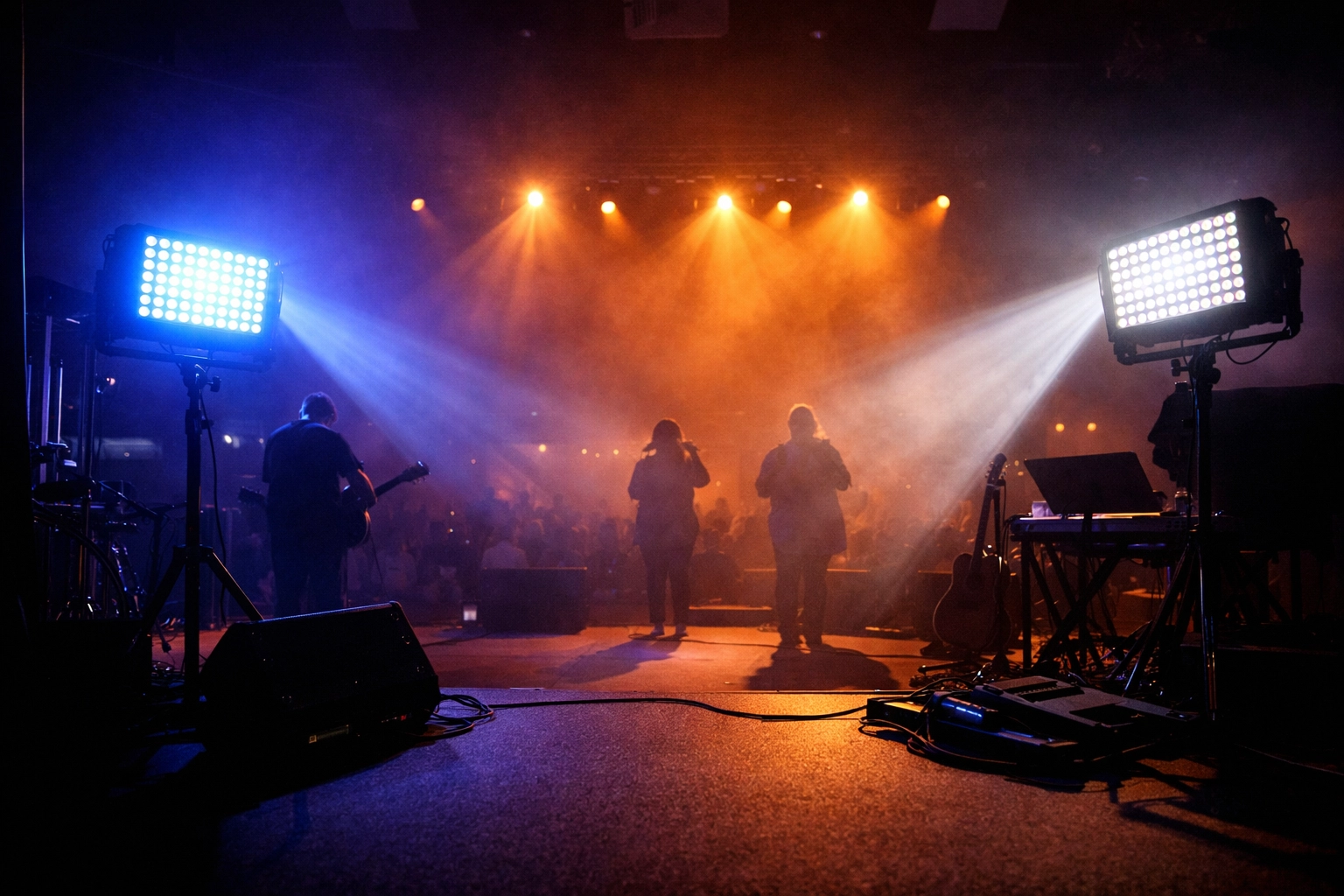
Backlighting is your secret weapon. Position lights behind your speakers and worship team, angled slightly downward to create a rim of light around their heads and shoulders. This separates them from the background and adds instant professionalism to your video. You don't need expensive equipment: a couple of LED panels or even colored LED strips positioned correctly can do wonders.
Here's a color tip: cool tones (blues and purples) work beautifully for backlighting in worship spaces. They create separation without looking unnatural, and they complement skin tones nicely. Avoid using the same color temperature as your front lighting, or you'll lose that separation effect you're going for.
Side lighting fills in the gaps. When your worship leader turns their head, you don't want half their face disappearing into shadow. Position lights at 45-degree angles to the sides of your platform. These don't need to be super bright: they're supporting players, not the main event. Their job is to gently fill in shadows and add dimension when people move.
For your front lighting, avoid the temptation to crank everything to 100%. Instead, use your dimmer boards strategically. Bring down those overhead house lights during the message or worship. They're designed to illuminate the whole room for the in-person congregation, which means they're washing out any dimensional lighting you're trying to create.
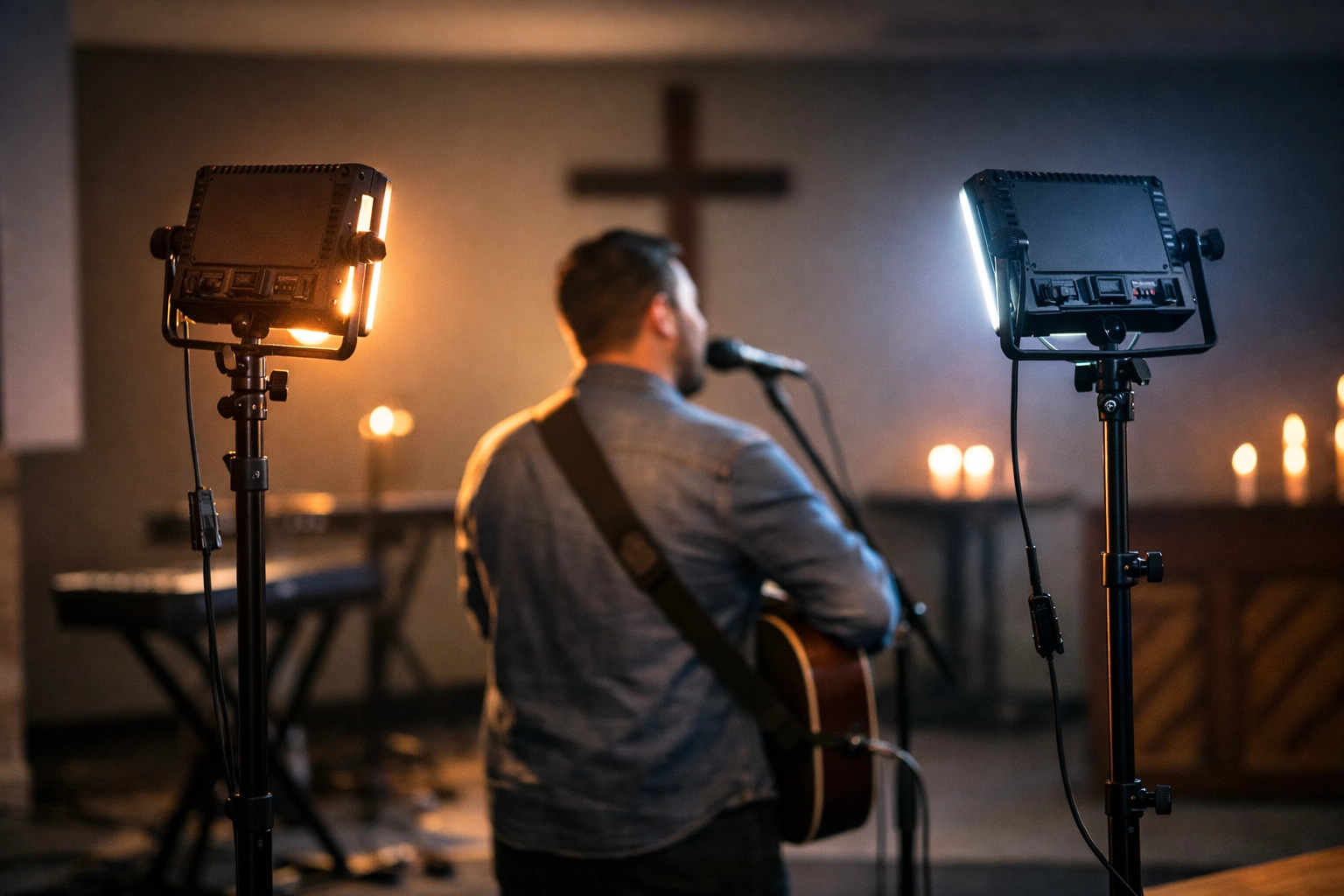
If you're working with a limited budget, start with just two LED panels: one for backlighting and one for side fill. You can find decent LED panels for a couple hundred dollars each. Position them thoughtfully, and you'll see an immediate improvement in your video quality.
Putting It All Together
Great lighting isn't about having the most fixtures or the biggest budget. It's about understanding how cameras see light differently than human eyes, and working with that reality instead of against it.
Start with Fix #1: dial in those camera settings. It costs nothing and might solve 50% of your problem right there.
Then tackle Fix #2: control that natural light. Whether that means curtains, camera repositioning, or filters, you need to eliminate competing light sources that overwhelm your camera's sensor.
Finally, invest in Fix #3 when you're ready: add dimensional lighting that creates separation and depth. Even a modest setup makes your worship space look exponentially more professional on camera.
Your online congregation deserves to see the same engaging, vibrant worship experience that your in-person attendees enjoy. With these three fixes, you're well on your way to making that happen.
Need help designing a lighting solution for your specific space? We work with worship communities of all sizes to create practical, budget-conscious AV systems that actually work. Reach out to our team and let's talk through your setup.
Comments